Event ticketing with no Evnts fee.
Evnts charges hosts nothing. Free RSVPs cost nothing, for any number of guests. If you sell tickets, the money goes straight to your own Stripe account, Stripe's card fee applies, and guests may add an optional tip to Evnts. There are no ads, and guests need no app or account.
One invite does the ticketing. Share one link, and guests answer in a few taps. Add ticket types with their own prices when you want to sell tickets, and check everyone in at the door with a phone.
Free · works on any phone · no app for guests
Updated
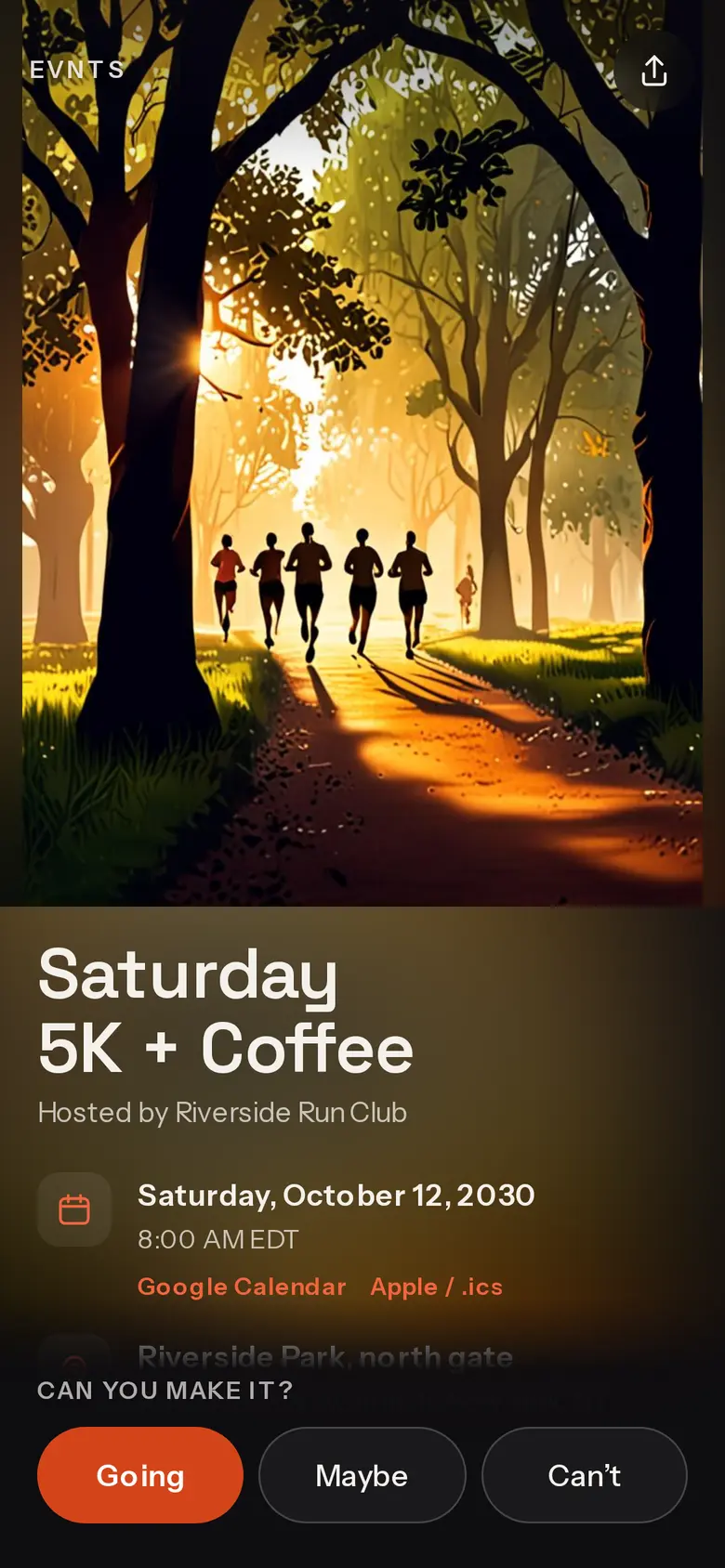
How it's set up for ticketing
Connect your Stripe
A free event needs nothing here. To sell tickets, tap Connect Stripe (about five minutes) and you come back to the same invite.
More options → Tickets → Connect Stripe (paid events)
Ticket types and prices
Type one price for a per-person charge, or add types: early bird, general, VIP, a free pass. Each has its own price, a total available and a max per guest.
More options → Tickets → + Add a ticket type
Promo codes
Add a code like EARLYBIRD as a percent or dollar discount, with a use limit and an end date if you want.
More options → Tickets → Promo codes → + Add a promo code
An optional tip, off if you like
Guests can add a tip to Evnts at checkout. Nothing is picked for them, and you can switch it off for your event.
More options → Tickets → Ask guests to support Evnts
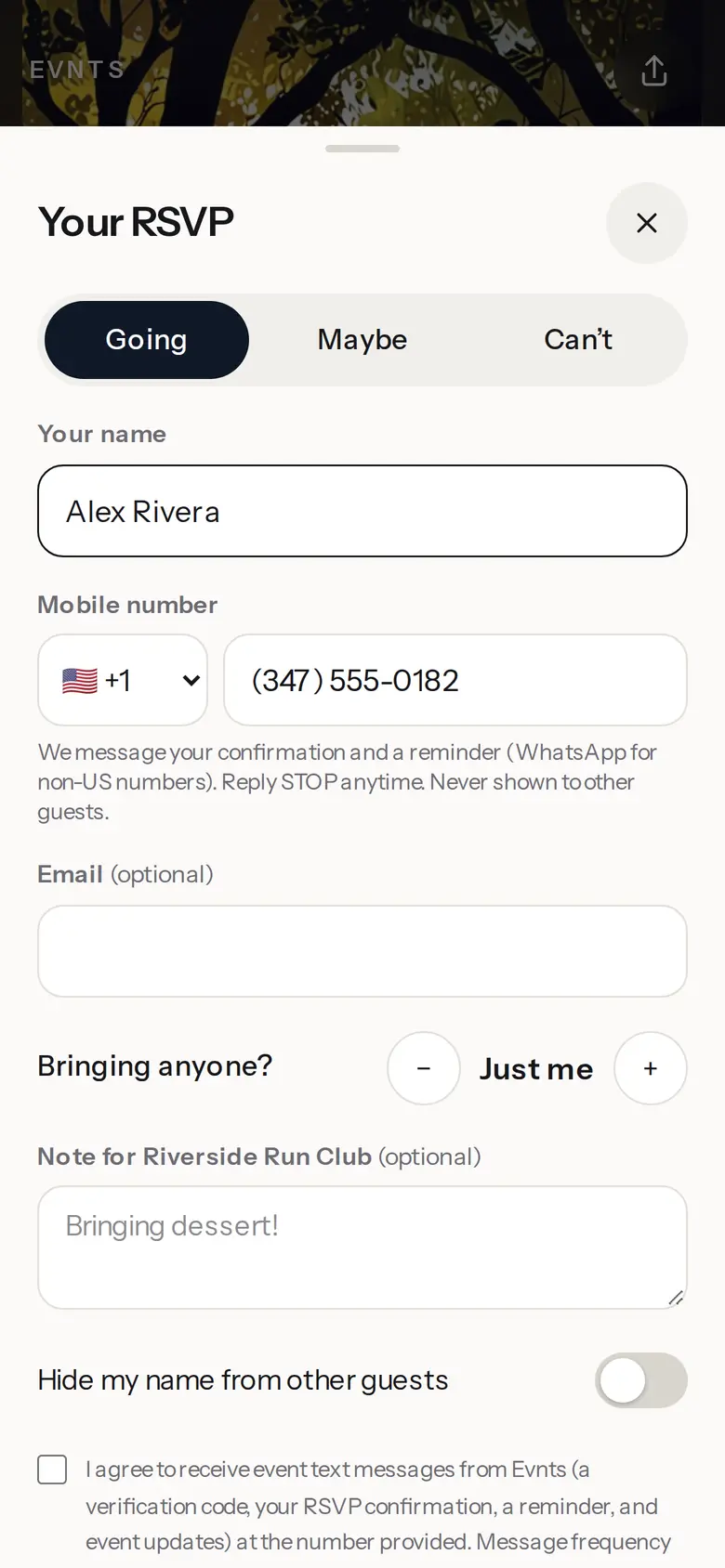
One link, one list
Guests answer in a few taps.
Guests give their name and mobile number and confirm. No app, no account. On a free event that's it.
Set a guest limit and a waitlist: extra guests queue up and are let in as spots free up.
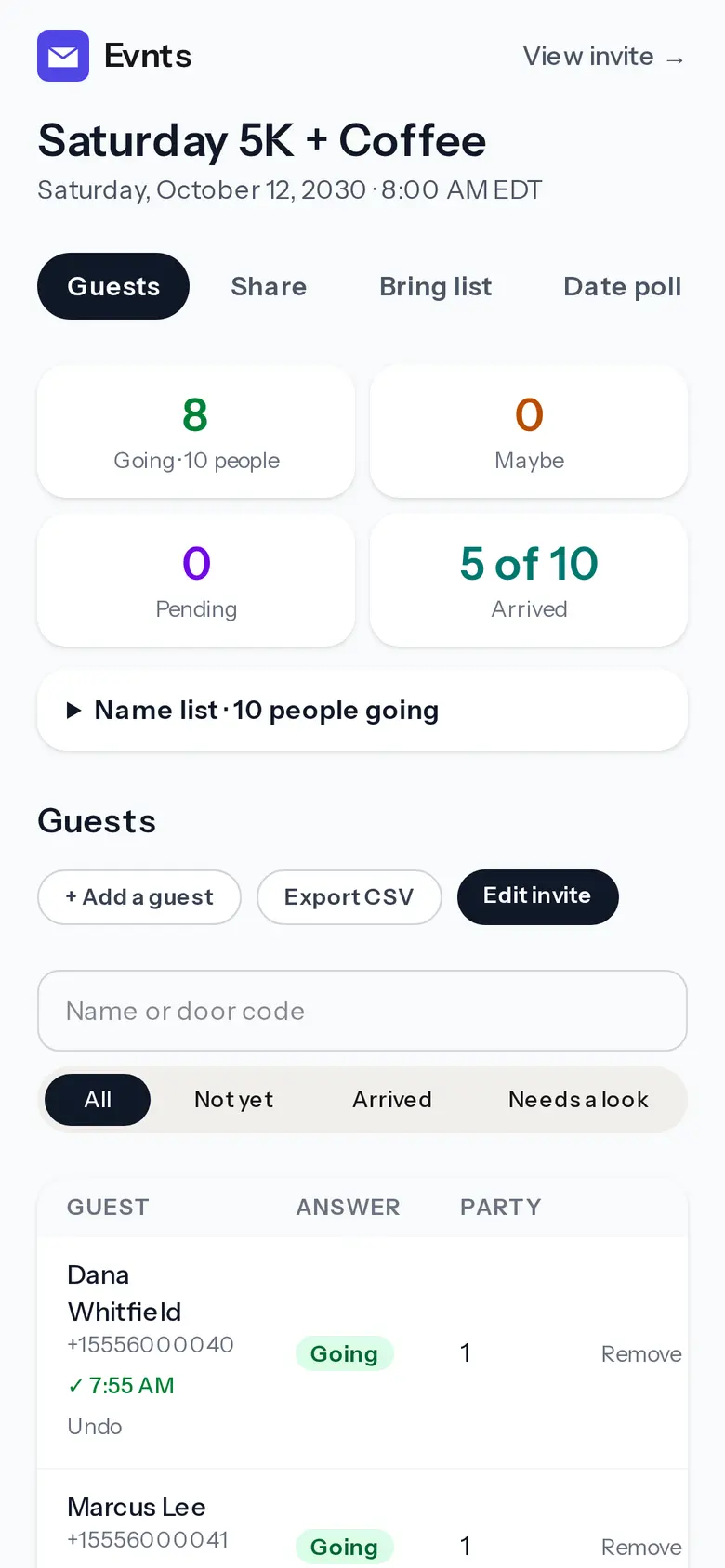
Check-in at the door
Scan the pass, tap Check in.
Every Going guest gets a pass with a QR and a door code. It works with no signal and syncs later, from as many phones as you have volunteers.
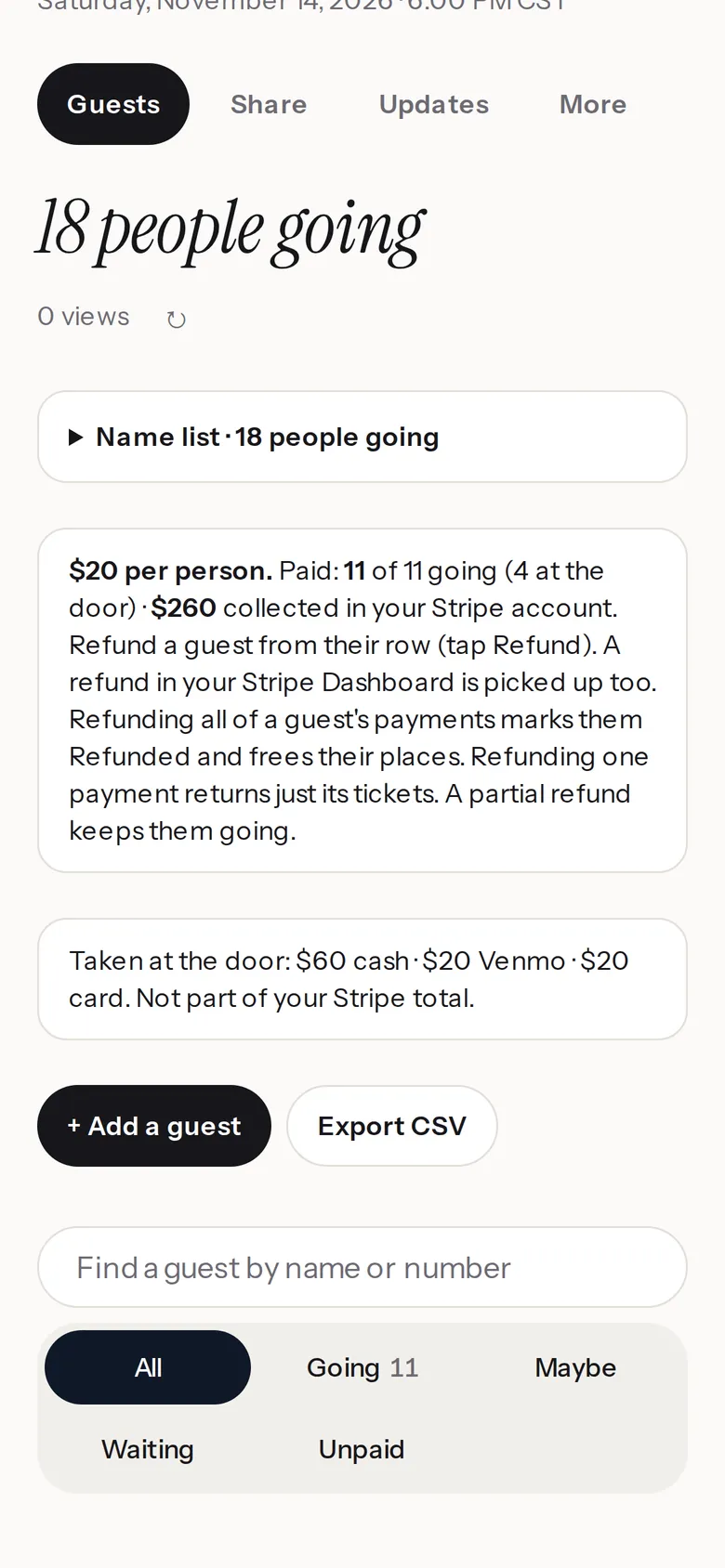
Paid into your own Stripe account
Every payment, with its fee.
Guests pick their tickets and pay on a Stripe page as they RSVP: card, Apple Pay or Google Pay. Stripe's card fee comes out of your payout and Evnts adds none.
Payments CSV on your Guests tab lists each card and door payment with Stripe's fee and what reached you.
Guides
Questions
How do I check guests in at the door?
Every Going guest gets a pass with a QR code and a door code. Point your phone's camera at the QR, or search the door list by name or door code, and tap Check in. It keeps working with no signal and syncs later.
Does Evnts take a cut of ticket sales?
No. Tickets are paid straight into your own Stripe account and Evnts adds no fee: Stripe's card fee is the only one. Guests can add an optional tip to Evnts at checkout, which you can switch off.
Who pays the card fee on tickets?
Stripe's standard card fee comes out of your payout, as it would with any tool that uses Stripe. Evnts adds no fee of its own.
Can any event sell tickets?
Yes. Connect your own Stripe account under Tickets in the editor, set a price or add ticket types, and share the link. Free events don't need Stripe at all.
Can some guests get in free?
Yes. Add a ticket type priced at 0, such as a volunteer pass. Each type has its own total available and max per guest.
Why is there a tip at checkout?
It's the only way Evnts makes money, and it pays for the texts, the AI drafts and the hosting. Guests can add a tip to Evnts at checkout, from 5% of the order. Nothing is picked for them, and it's kept separate from the ticket. You can switch it off for your event.
Do guests need an account to buy a ticket?
No. They pick their tickets and pay on a Stripe page as they RSVP, and Stripe asks for their email and mobile number there. No app and no account on Evnts.
Do my guests need an app or an account?
No. They open the link, tap Going, Maybe or Can't, give their name and mobile number and tap Confirm. One tap on the link we text them confirms the number (a WhatsApp code outside the US and Canada). It takes a few taps.
Is it really free?
Yes. The invite, the RSVPs, the reminders and the guest list cost nothing, and there are no ads. Free events are free for any number of guests; up to three live events to start, more as your events fill up. The pricing page (evnts.rsvp/pricing) explains why it's free.
Do I need an invite to host?
Hosting is invite-only for now. You're in if a friend who hosts on Evnts sends you one of their invite links, or if you've RSVP'd to someone's Evnts invite, and a few open spots go to new hosts every day. If today's are taken, leave your email when you publish and we'll send you an invite. Guests never need one.
Related questions
Invites and RSVPs are free, with no plans. On paid tickets we take 0% of your ticket money: Stripe's card fee is the only fee, and guests can add an optional tip to Evnts, which you can switch off.
More uses
Communities and tickets
Ready when you are.
It's free, it takes about a minute, and your guests won't need to install anything. See everything Evnts does.
Put tickets on sale