Halloween invites, done before the pumpkin's carved.
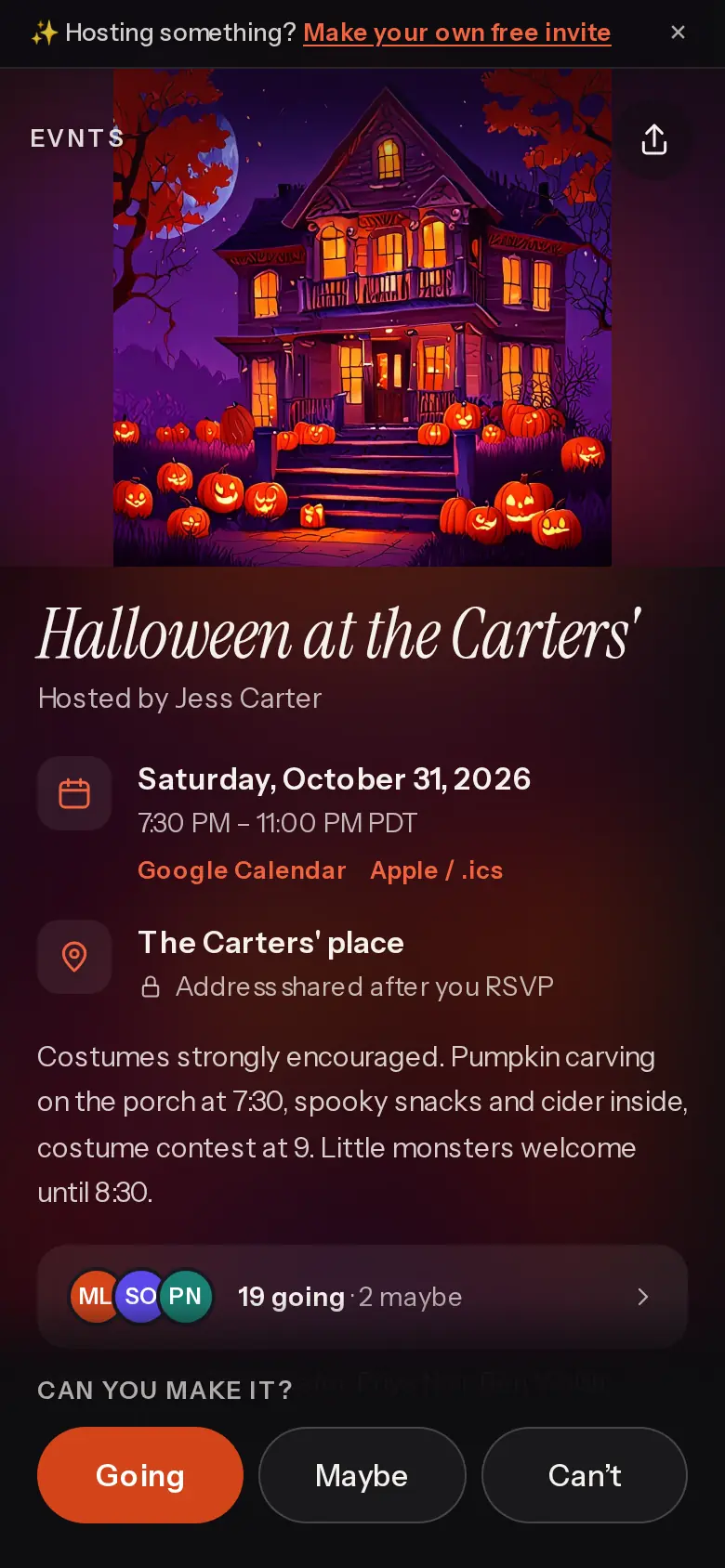
Describe the party in a sentence — a costume party, a haunted backyard, a trick-or-treat meetup for the kids — and get an invite with a cover to match and a link for the group chat. Guests tap Going in about 15 seconds, no app, no account.
Free · works on any phone · no app for guests
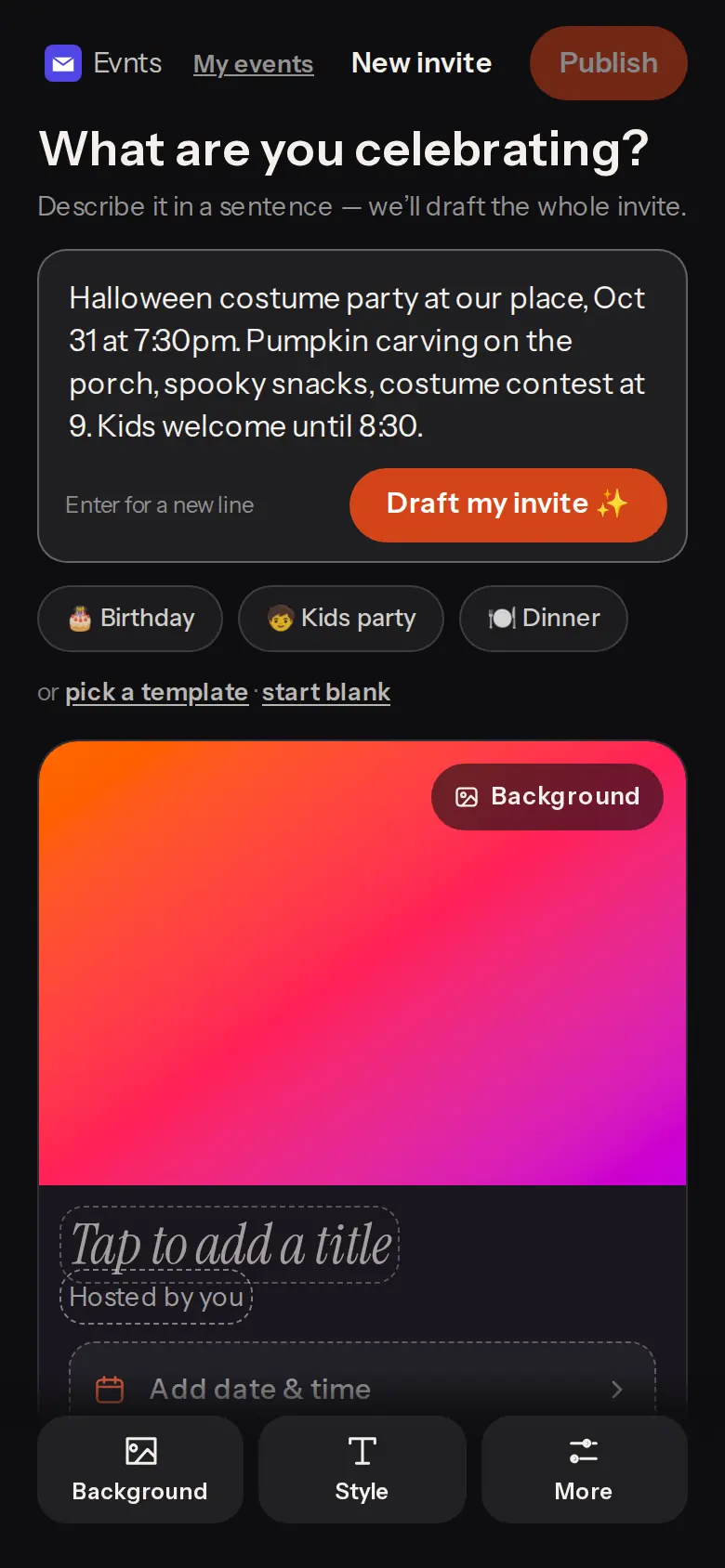
Under 60 seconds
“Costume party, our place, Oct 31, 8pm.” Done.
Type one line and get the title, description, date and place, with a cover painted to match.
Kids coming? Ask for an adults/kids split so you know how many treat bags to fill.
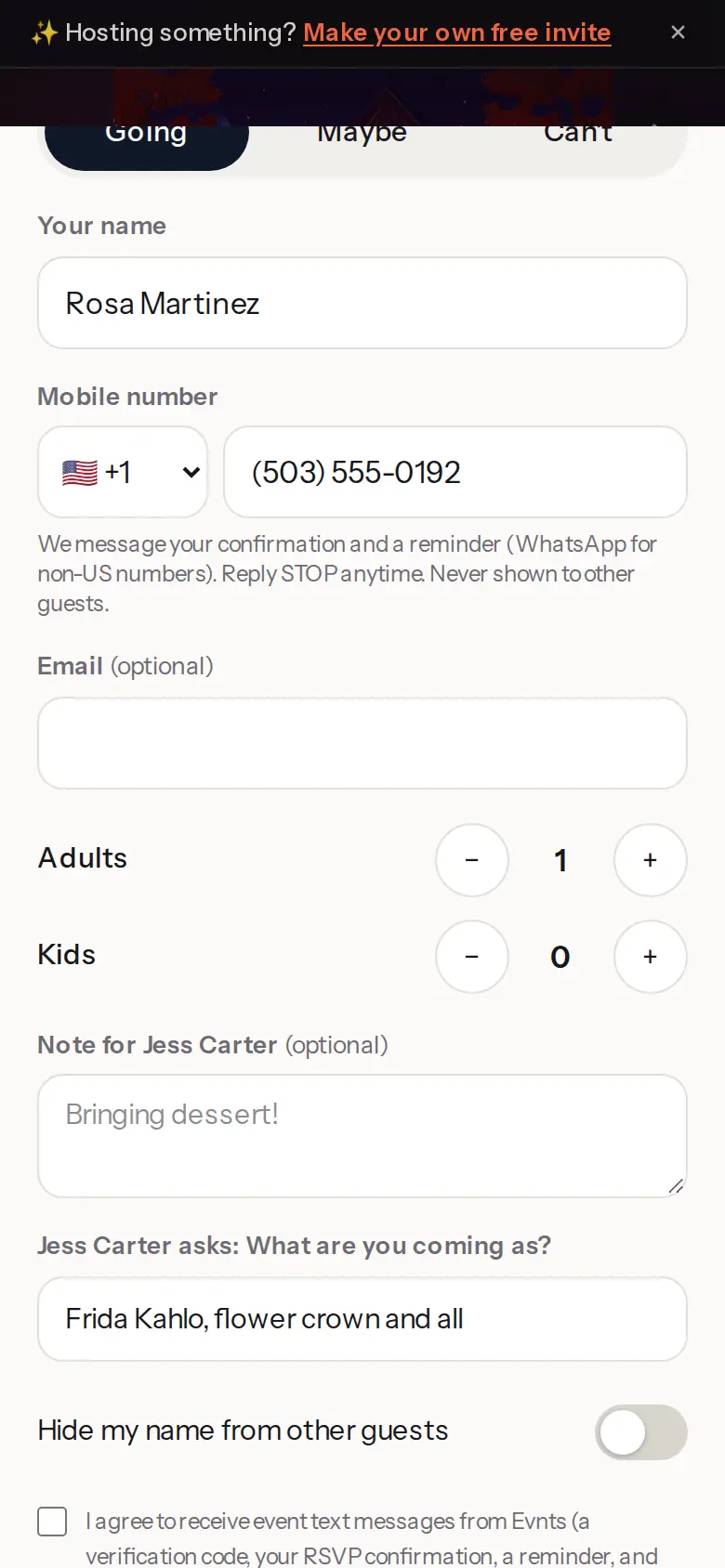
Ask about costumes
“What are you coming as?” right on the RSVP.
Add up to three questions — the costume, allergies for the candy bowl, who's joining the trick-or-treat walk — and the answers land on your guest list.
Plus-ones by name, and a reminder the day before so nobody forgets.
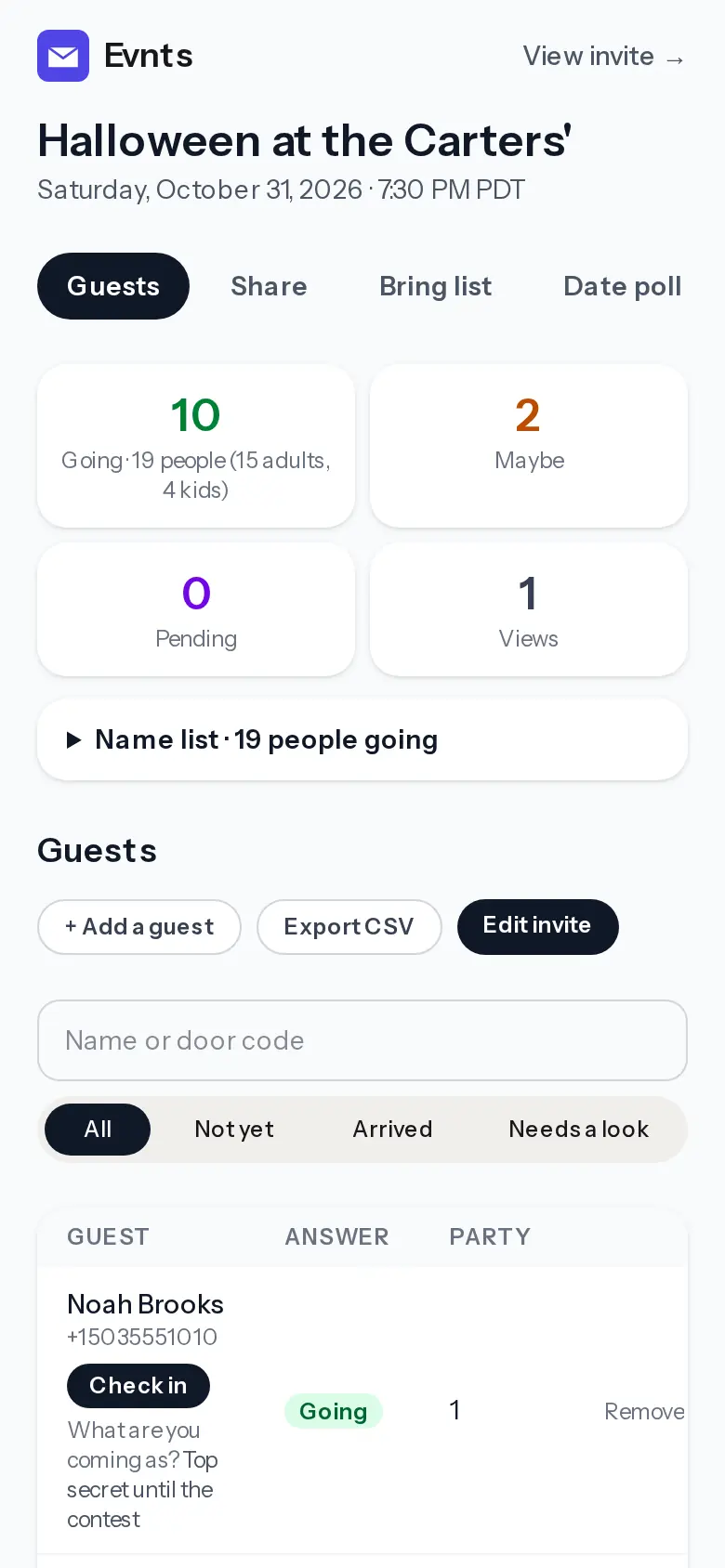
Keep the address a secret
Only guests who say Going or Maybe see where it is.
Hide the address until someone answers Going or Maybe; they get directions with it. Plans change? One update reaches every guest.
Ready when you are.
It's free, it takes about a minute, and your guests won't need to install anything. See everything Evnts does.
Make your invite