Walk-ups at the door, on the same list as everyone else.
People turn up without a ticket at every community show. Take their money the way you already do, then add and check them in from the door in four taps. Your headcount stays right for the hall, the food and next year's planning.
Free · works on any phone · no app for guests
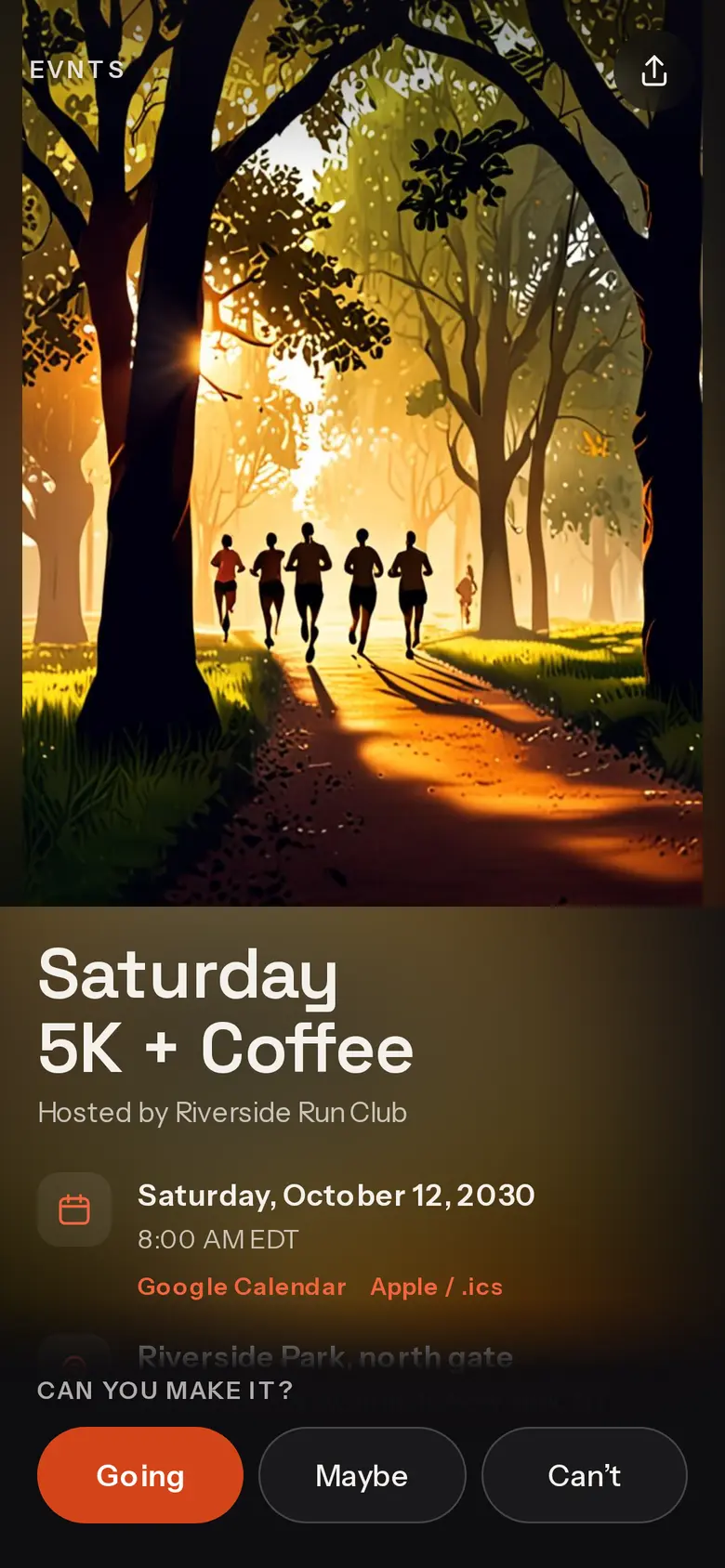
Get paid your way
Cash in the box, or a tap on your phone.
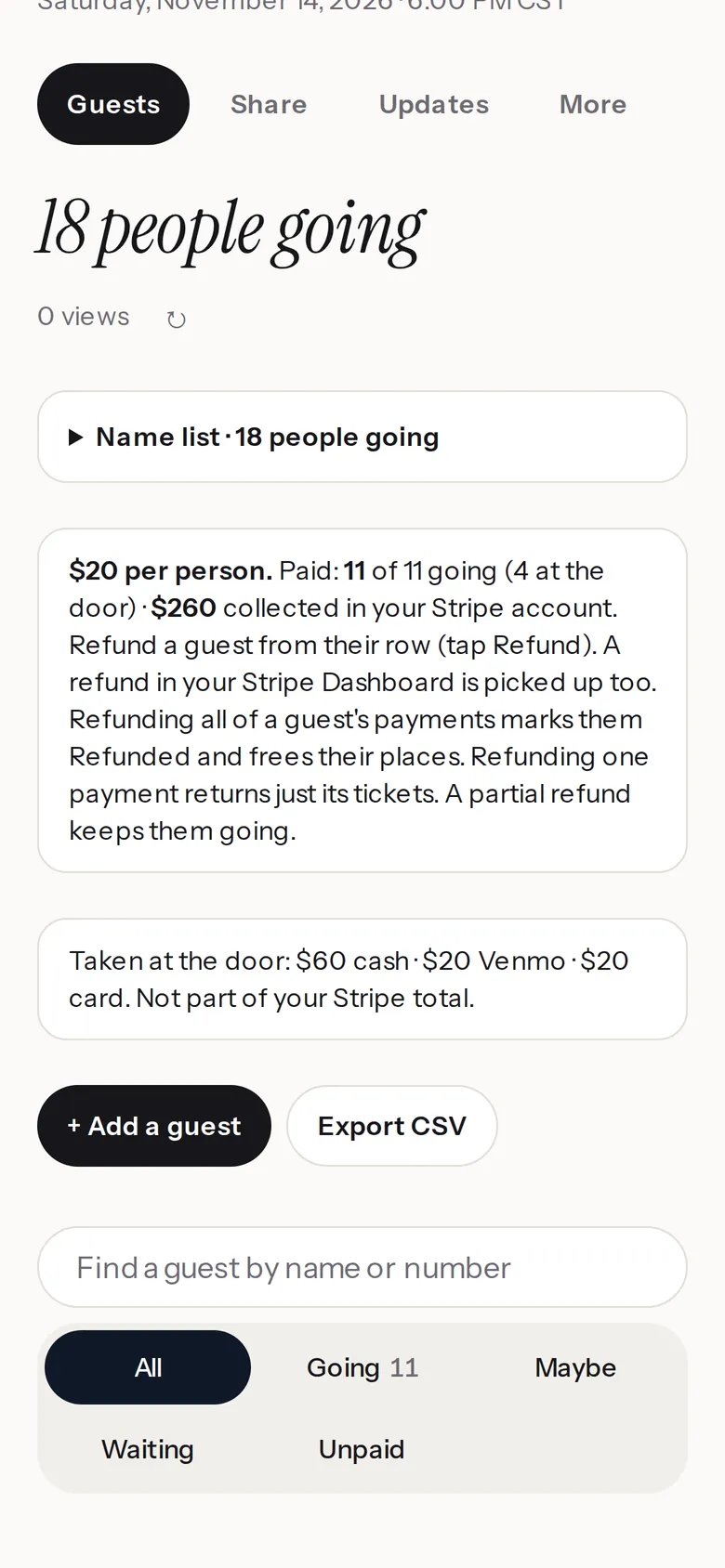
Take cash, or a card or phone tapped on your own phone with Stripe's Dashboard app, where Stripe offers it. Stripe's usual card fee applies; Evnts takes nothing.
Add and check in at once
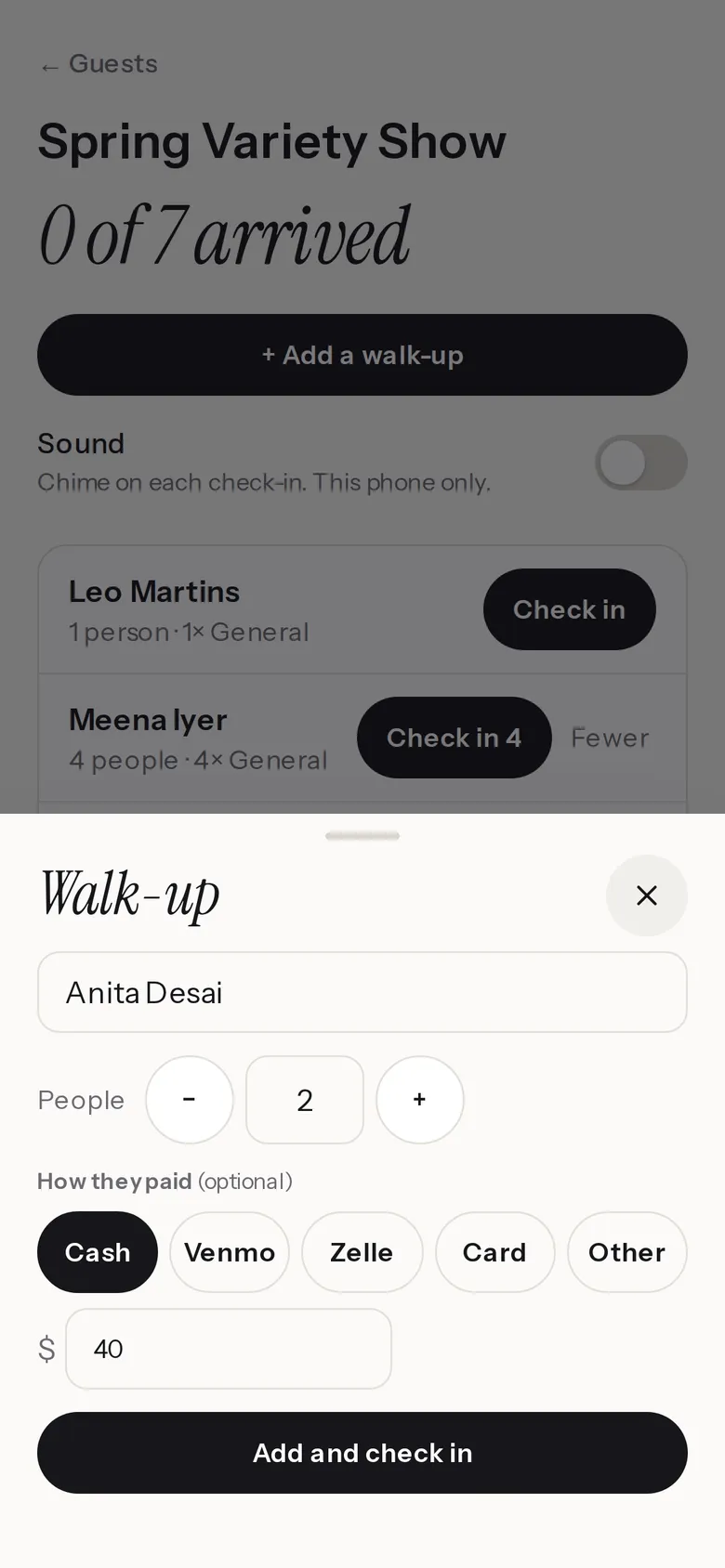
Name, how many, how they paid. They're in.
On Door check-in, tap Add a walk-up, type their name and how many are with them, tap how they paid (Cash, Venmo, Zelle, Card or Other; paid events) and the amount, then Add and check in.
They count toward your headcount and catering summary like everyone who booked. No signal? It's saved on your phone and syncs when you're back online.
One door list
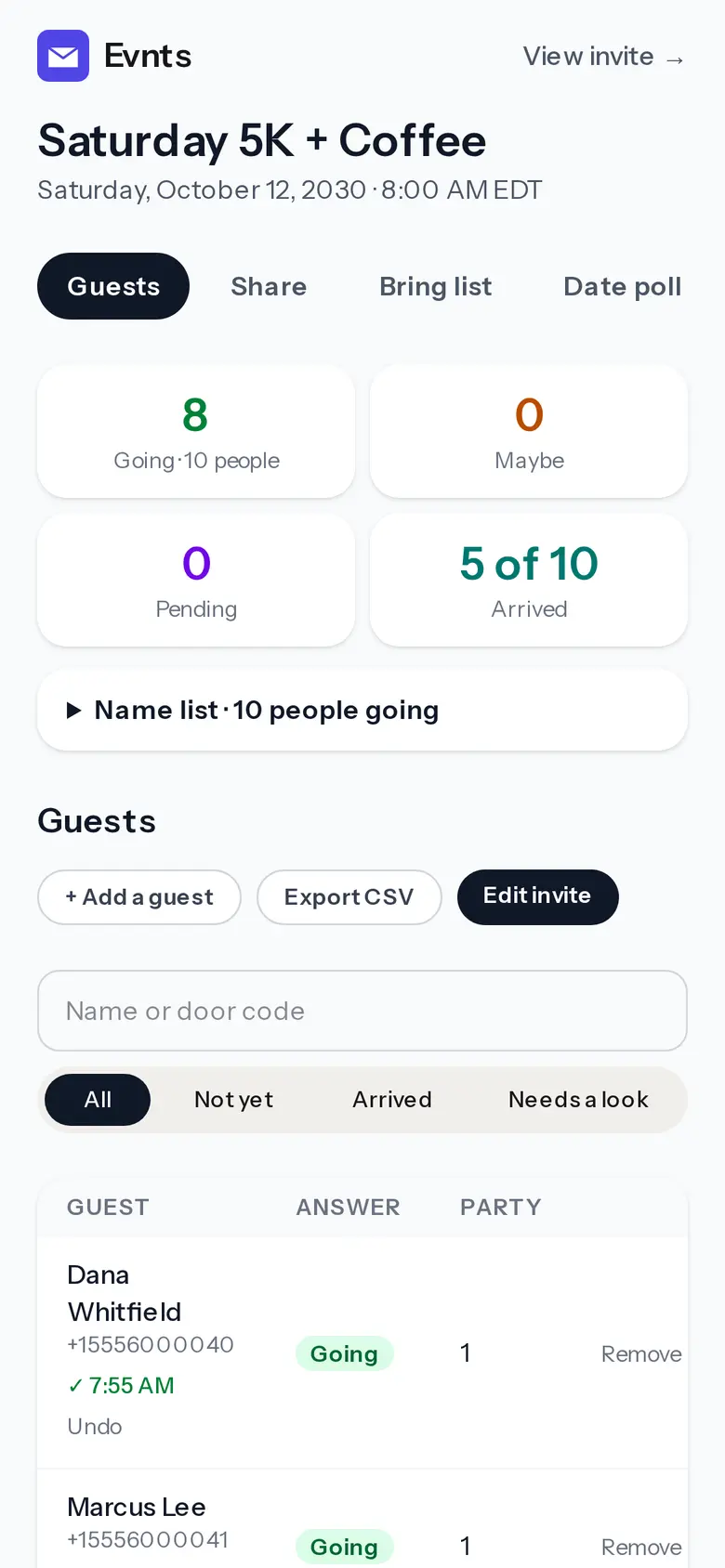
Walk-ups and ticket holders, side by side.
Walk-ups land on the same door list as everyone who booked, already checked in, with Undo if you tapped too soon. Co-hosts at the door can add them too.
On a paid event your Guests tab adds up door money by how it was paid, apart from your Stripe total. Refund it the way you took it.
Questions
Can guests pay by card at the door?
Yes, on your phone: Stripe's Dashboard app takes a card or phone tap, with Stripe's usual card fee. Then tap Add a walk-up. Evnts itself doesn't take card payments at the door.
Do walk-ups count in my headcount?
Yes. A guest you add counts like everyone else. They don't hold a reserved seat.
Can a co-host run the door?
Yes. Co-hosts see Door check-in and can add walk-ups.
Is it really free?
Yes. The invite, the RSVPs, the reminders and the guest list cost nothing, and there are no ads. Free events are free for any number of guests; up to three live events to start, more as your events fill up. The pricing page (evnts.rsvp/pricing) explains why it's free.
Do I need an invite to host?
Hosting is invite-only for now. You're in if a friend who hosts on Evnts sends you one of their invite links, or if you've RSVP'd to someone's Evnts invite, and a few open spots go to new hosts every day. If today's are taken, leave your email when you publish and we'll send you an invite. Guests never need one.
Ready when you are.
It's free, it takes about a minute, and your guests won't need to install anything. See everything Evnts does.
Make your invite