Game night invites with the bring list built in.
A game night invite on Evnts carries the bring list: games, snacks and drinks. Guests RSVP and claim an item, so nothing is doubled. You see how many people are coming, and a reminder goes out the day before. Free, with no ads, and guests need no app or account.
Describe the night in a sentence and get an invite with a cover to match and a link for the group chat. List what you need, and guests claim a game, a snack or a drink right from their RSVP.
Free · works on any phone · no app for guests
Updated
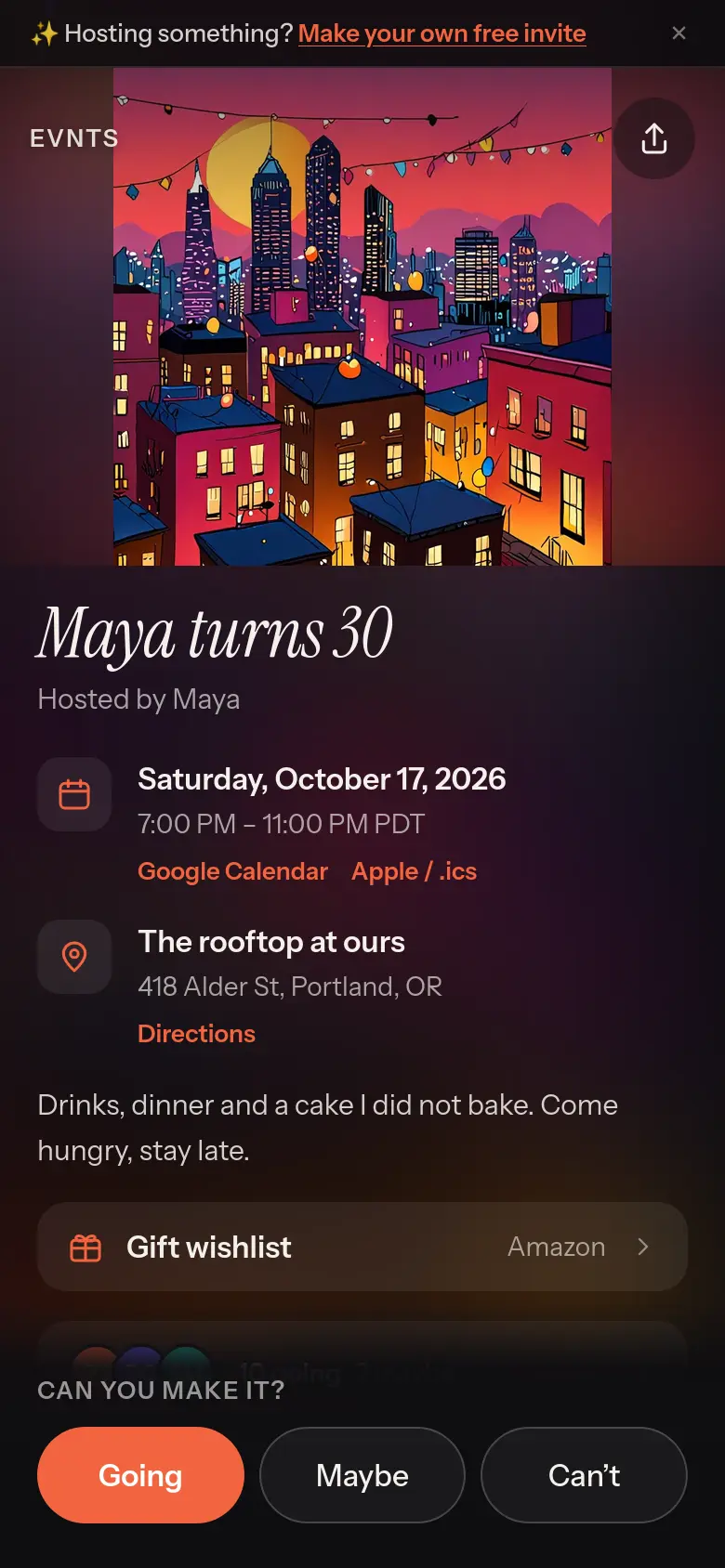
Game Night at Dev's
Hosted by Dev. Made-up names and places.
How it's set up for a game night
A bring list
List the games, the snacks and the drinks, and how many of each. Once they've RSVP'd, guests tap to take one and see what's still needed.
Dashboard More → Bring list (up to 20 items)
A list suggested for you
Not sure what to ask for? On an empty list, tap Suggest a list, untick anything you don't want and add the rest in one tap.
Dashboard More → Bring list → ✨ Suggest a list
A seat for everyone
Set a guest limit so the table isn't overfull. Extra guests queue on a waitlist and move in when a spot opens.
More options → Who's coming → Capacity, Waitlist when full
A date poll
Offer up to five dates and see which one works for the most people before you lock it in.
When → Date poll
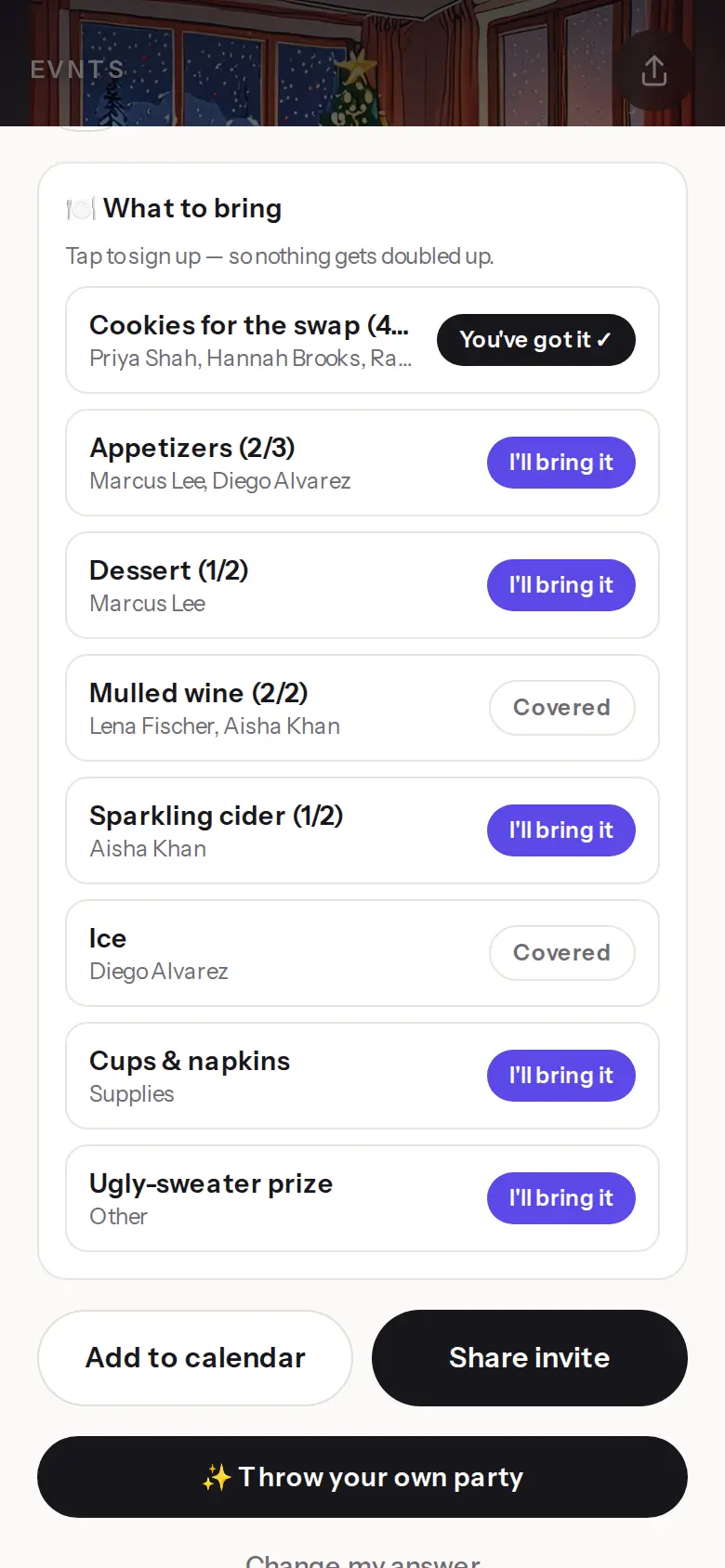
Who's bringing what
Guests claim a game or a snack, so nothing gets doubled up.
List the games, the snacks and the drinks, and how many of each. Guests tap I'll bring it from their RSVP, and guests who RSVP see what's still needed.
Not sure what to ask for? On an empty list, tap Suggest a list and untick anything you don't want.
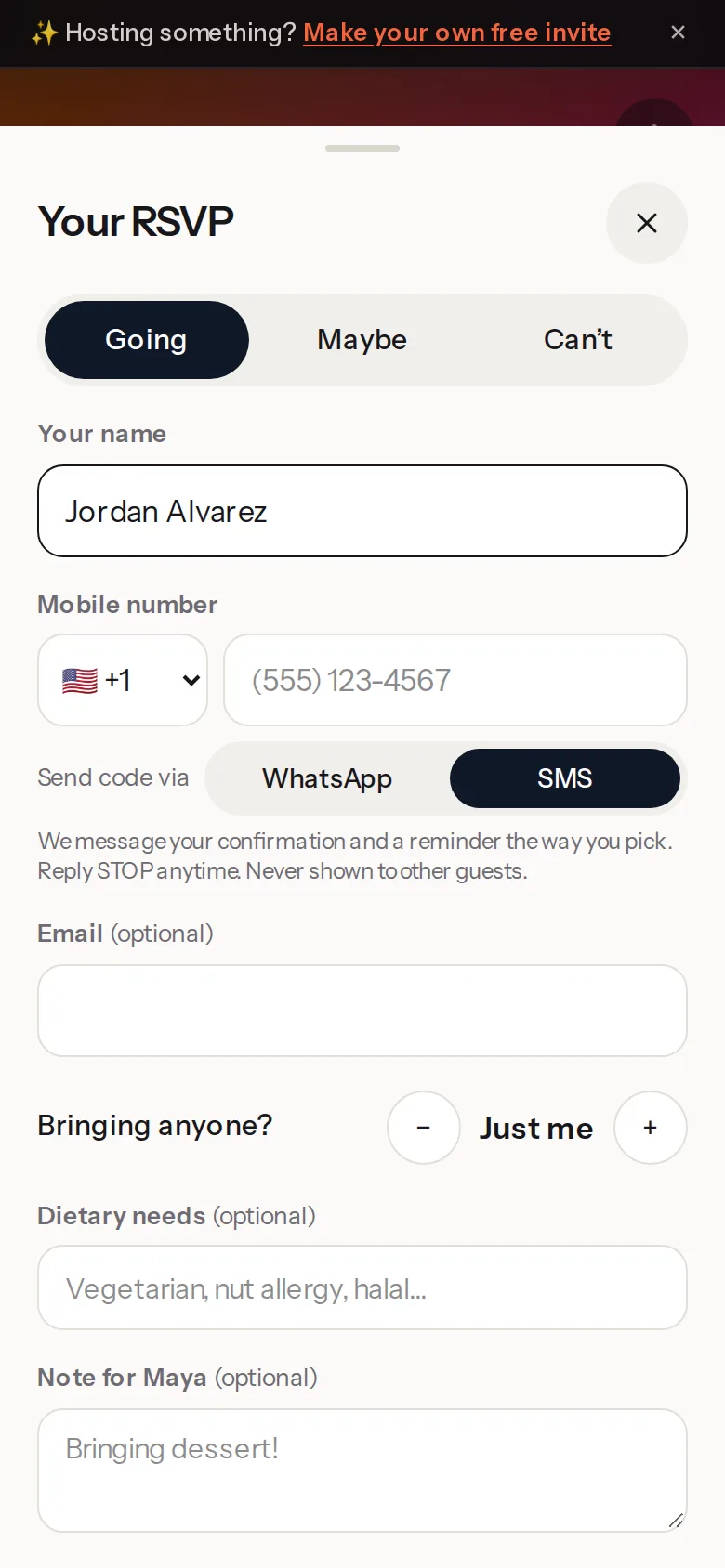
One link for the group chat
Going, Maybe or Can't, in a few taps.
Guests give their name and mobile number and confirm. No app, no account. With plus-ones on, they're counted in people, so you know how many chairs you need.
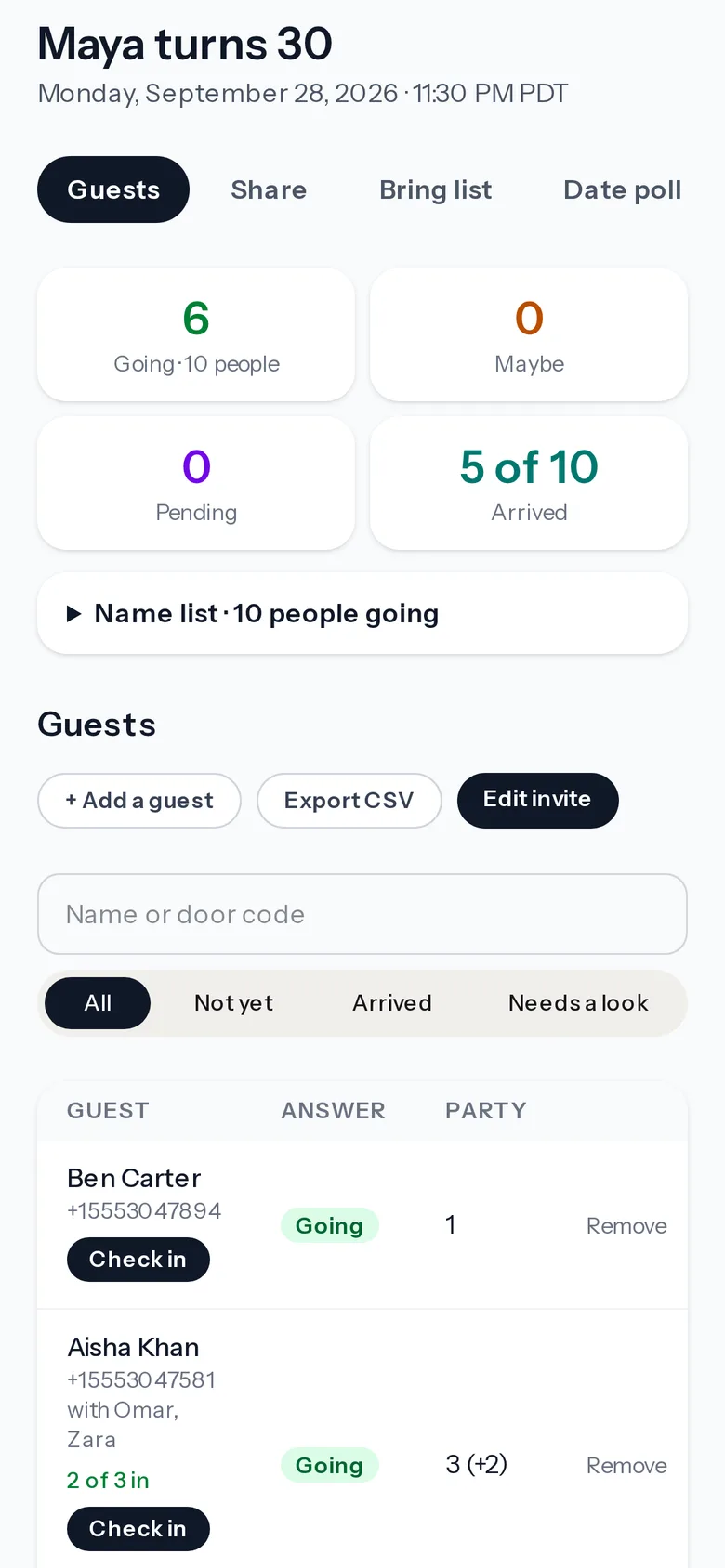
A headcount you can plan for
Who's coming, and who's bringing what.
Going and Maybe sit on your dashboard, with the bring list on its own tab. Set a guest limit and a waitlist if the table only seats six. The day before, confirmed Going and Maybe guests get a reminder.
Guides
Questions
How does the bring list work for a game night?
List the games, the snacks and the drinks, and how many of each. Once they've RSVP'd, guests tap to take one. Guests who RSVP see what's still needed, so nothing gets doubled up.
Can I limit how many people come?
Yes. Set a guest limit and turn on the waitlist. Extra guests queue up and are let in as spots free up.
Will guests get a reminder?
Yes. The day before, confirmed Going and Maybe guests get a reminder.
Do my guests need an app or an account?
No. They open the link, tap Going, Maybe or Can't, give their name and mobile number and tap Confirm. One tap on the link we text them confirms the number (a WhatsApp code outside the US and Canada). It takes a few taps.
Is it really free?
Yes. The invite, the RSVPs, the reminders and the guest list cost nothing, and there are no ads. Free events are free for any number of guests; up to three live events to start, more as your events fill up. The pricing page (evnts.rsvp/pricing) explains why it's free.
Do I need an invite to host?
Hosting is invite-only for now. You're in if a friend who hosts on Evnts sends you one of their invite links, or if you've RSVP'd to someone's Evnts invite, and a few open spots go to new hosts every day. If today's are taken, leave your email when you publish and we'll send you an invite. Guests never need one.
Related questions
Free to make, free to answer. No plans and no ads. Selling tickets? Stripe's card fee applies only to paid tickets, and guests can add an optional tip to Evnts.
More uses
Communities and tickets
Ready when you are.
It's free, it takes about a minute, and your guests won't need to install anything. See everything Evnts does.
Make your invite