Evnts vs TicketSpice
Evnts vs TicketSpice: no per-ticket fee, waitlist included.
TicketSpice is a capable ticketing tool, with a 99¢ fee on every ticket. For a club night, a class or a fundraiser dinner, Evnts adds no fee, pays straight into your own Stripe account, and includes the waitlist and the reminder text.
Free · works on any phone · no app for guests
Choose TicketSpice if you want its deep form builder and box-office features.
Where TicketSpice winsChoose Evnts if you'd rather pay no per-ticket fee and want the waitlist and the reminder text included.
Make your inviteNot sure? Ask an AI to compare them for you
Opens in a new tab with this question. It asks the AI to check other sources too.
See the prompt
Compare Evnts and TicketSpice for someone planning a ticketed show or fundraiser. Use this page for the facts and their dates: https://evnts.rsvp/vs/ticketspice?utm_source=ai-ask&utm_medium=compare. Please also check TicketSpice's own site and at least one independent source, say where the page might be out of date or biased (it is written by Evnts), and tell me which one fits me best. Ask me about my event first if that would help.
Is there a TicketSpice alternative with no per-ticket fee?
| Feature | Evnts | TicketSpice |
|---|---|---|
| Fees on paid tickets | No Evnts fee; Stripe's standard card fee comes out of your payout | 99¢ per ticket (49¢ for tickets of about $5 and under) plus 2.9% + 30¢ card processing, taken from your payout unless you pass it on |
| Free events | Free | Free if you also run paid events; otherwise 99¢ per ticket |
| Waitlist | Yes; guests move up automatically when a spot opens | Not on TicketSpice (its sister product RegFox has one) |
| Texts to guests | An automatic reminder text the day before, included | A paid add-on with a monthly fee; carrier approval can take about two weeks |
| Check-in | A pass with a QR code and door code; works with no signal | A scanner app for iOS and Android that works offline |
| Reserved seating | Yes: seat maps you draw, best available, holds | Yes: seats, tables and holds |
Facts about TicketSpice checked in September 2026 from their own site; see sources below. Spotted something out of date? Tell us and we'll fix it.
What does a ticket cost in fees?
TicketSpice charges 99¢ per ticket, taken from your payout by default, plus 2.9% + 30¢ card processing.
| Ticket price | TicketSpice | Evnts |
|---|---|---|
| $10 | $0.99 | $0 (Stripe's card fee only) |
| $20 | $0.99 | $0 (Stripe's card fee only) |
| $50 | $0.99 | $0 (Stripe's card fee only) |
Platform fee per ticket, before card processing. Figures from TicketSpice's published pricing, checked September 2026.
When TicketSpice is the better pick
- You need tables or timed entry.
- You sell at the door with a box office app, card readers or cash.
- You want long custom forms (40+ field types with conditional logic) or built-in email marketing.
- You'd like a long-established vendor with phone support and weekly payouts.
Where Evnts shines
- Free to use, with no ads and no limit on guests.
- Guests need nothing: no app, no account. They answer from the link in a few taps.
- Paid tickets go straight to your own Stripe account, with no Evnts fee.
- Describe the event in one sentence and get a finished invite with a painted cover.
- A reminder text the day before, and your updates by text, WhatsApp or email.
- A QR pass for every guest, checked at the door from any phone, even with no signal.
- Reserved seats picked on a phone, held while guests pay.
Switching from TicketSpice
- Connect Stripe from the editor's Tickets.
- Describe the event in one sentence and add your ticket types and limits.
- Turn on the waitlist so a full event keeps a queue that moves up by itself.
- Share your link; guests get a reminder text the day before.
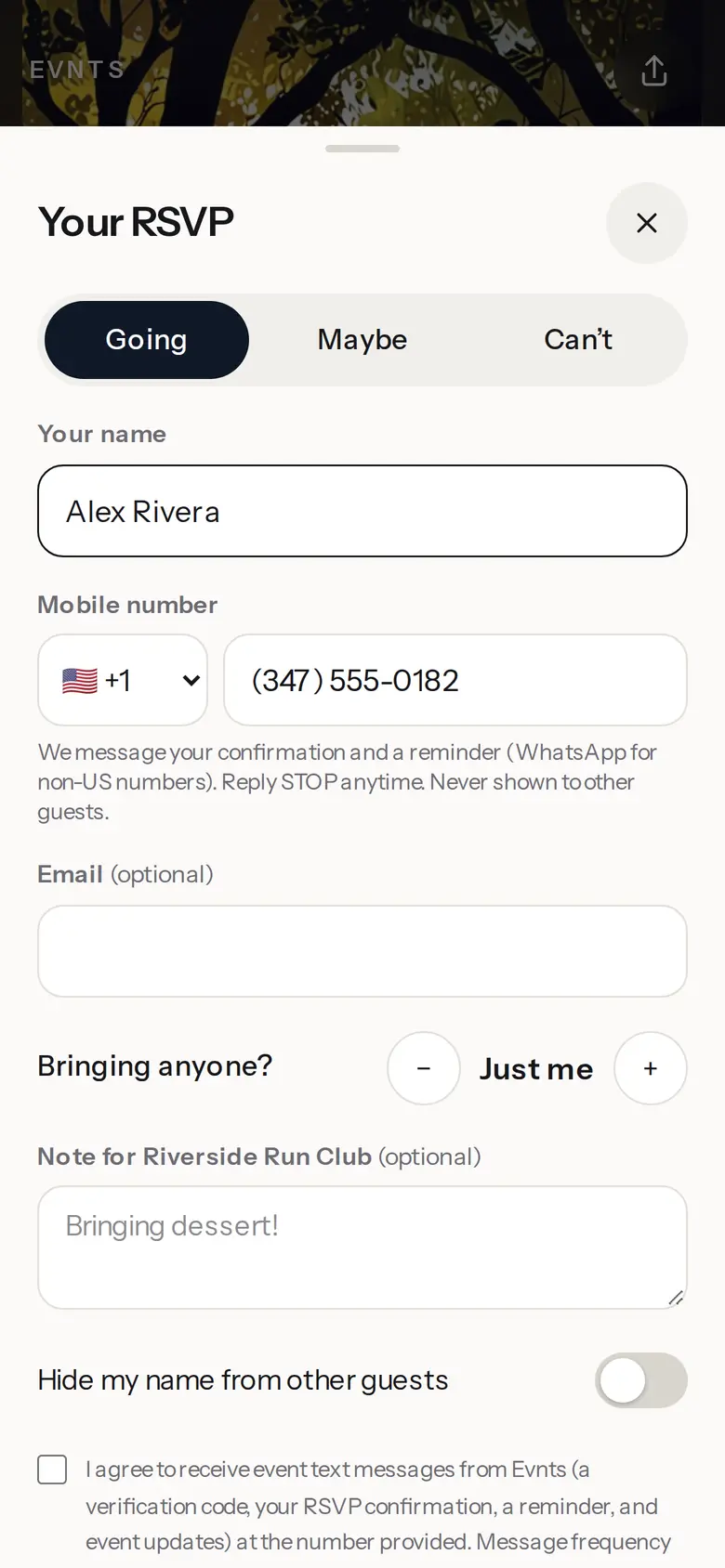
Guest limit & waitlist
Sold out? The waitlist fills the gaps.
Cap the tickets and let extra guests queue up. When someone cancels or is refunded, the next person is promoted automatically.
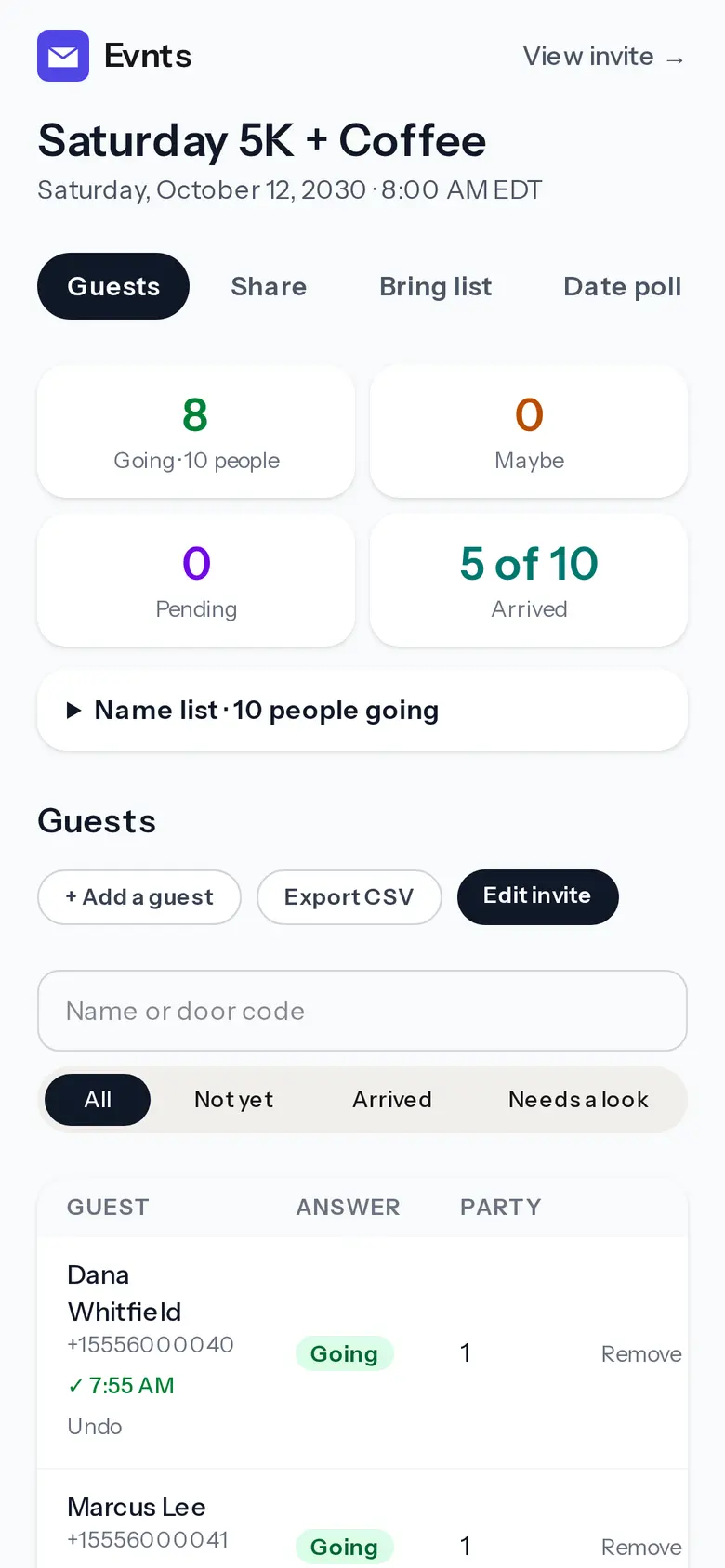
Check-in at the door
Scan the pass, tap Check in.
Every paying guest gets a pass with a QR code and a door code. It works with no signal, from as many phones as you have volunteers.
Questions
Is there a fee on free events?
No. Free events are free on Evnts, whatever else you run.
What does Evnts charge on paid tickets?
Nothing. The money goes to your own Stripe account and Stripe's standard card fee is the only fee. Guests can add an optional tip to Evnts at checkout; you can switch that ask off.
When do I get paid?
On your own Stripe account's payout schedule. Evnts never holds the money.
Do I need an invite to host?
Hosting is invite-only for now. You're in if a friend who hosts on Evnts sends you one of their invite links, or if you've RSVP'd to someone's Evnts invite, and a few open spots go to new hosts every day. If today's are taken, leave your email when you publish and we'll send you an invite. Guests never need one.
Try it on your next event.
It's free and takes about a minute. Compare Evnts with other tools.
Make your inviteSources (TicketSpice, checked September 2026)
- TicketSpice: pricing (fees, free events, add-ons)
- TicketSpice: RegFox vs TicketSpice (waitlist)
- TicketSpice: sign up to send text messages
- TicketSpice: ticket scanning app
- TicketSpice: reserved seating
TicketSpice is a trademark of its owner. Evnts is not affiliated with or endorsed by TicketSpice.