Evnts vs Ticketmaster
Ticketmaster for a small event? Here's the real comparison.
Ticketmaster.com is built for venues and promoters and is sales-led; small organizers sell through Universe, Ticketmaster's self-serve brand. For a club night, a class or a fundraiser dinner, Evnts adds no ticket fee and texts your guests a reminder the day before.
Free · works on any phone · no app for guests
Choose Ticketmaster if you're a venue or promoter selling at scale through its network.
Where Ticketmaster winsChoose Evnts if you run a club night, a class or a fundraiser and want no ticket fee and a reminder text to every guest.
Make your inviteNot sure? Ask an AI to compare them for you
Opens in a new tab with this question. It asks the AI to check other sources too.
See the prompt
Compare Evnts and Ticketmaster for someone planning a ticketed show or fundraiser. Use this page for the facts and their dates: https://evnts.rsvp/vs/ticketmaster?utm_source=ai-ask&utm_medium=compare. Please also check Ticketmaster's own site and at least one independent source, say where the page might be out of date or biased (it is written by Evnts), and tell me which one fits me best. Ask me about my event first if that would help.
Can a small event sell tickets without Ticketmaster's fees?
| Feature | Evnts | Ticketmaster |
|---|---|---|
| Fees on paid tickets | No Evnts fee; Stripe's standard card fee comes out of your payout | Universe: 2% + $0.59 per ticket; its pricing page is unclear on whether card processing is extra |
| Getting started | Make an event yourself in about a minute | Ticketmaster.com is sales-led (“Work With Us”); self-serve is Universe, Ticketmaster's brand for independent events |
| Free events | Free | Free on Universe |
| Listed on ticketmaster.com | No; your own community page that people follow by text | Only on Universe's custom-priced Pro plan |
| Messages to guests | An automatic reminder text the day before | Email, including a reminder 24 hours before (Universe) |
| Waitlist and check-in | Yes, both | Yes, both (Universe) |
| Tickets on the day | A pass with a QR code and door code; a screenshot works | Universe emails a PDF and a wallet pass; ticketmaster.com tickets must be shown in its app, mobile site or wallet, not as a screenshot |
Facts about Ticketmaster checked in September 2026 from their own site; see sources below. Spotted something out of date? Tell us and we'll fix it.
What does a ticket cost in fees?
Small organizers sell through Universe, Ticketmaster's self-serve brand: 2% + $0.59 per ticket.
| Ticket price | Ticketmaster | Evnts |
|---|---|---|
| $10 | $0.79 | $0 (Stripe's card fee only) |
| $20 | $0.99 | $0 (Stripe's card fee only) |
| $50 | $1.59 | $0 (Stripe's card fee only) |
Universe's published pricing, checked September 2026; whether card processing is included isn't clear on its page.
When Ticketmaster is the better pick
- You want reach: on Universe's Pro plan your event can be listed on ticketmaster.com, which Universe says has 100M+ monthly visitors.
- Buyers already trust the Ticketmaster name, and you want payment plans, presales or wallet passes.
- You run a big venue and need seat maps, box office hardware or an account manager.
Where Evnts shines
- Free to use, with no ads and no limit on guests.
- Guests need nothing: no app, no account. They answer from the link in a few taps.
- Paid tickets go straight to your own Stripe account, with no Evnts fee.
- Describe the event in one sentence and get a finished invite with a painted cover.
- A reminder text the day before, and your updates by text, WhatsApp or email.
- A QR pass for every guest, checked at the door from any phone, even with no signal.
- Reserved seats picked on a phone, held while guests pay.
Switching from Ticketmaster
- Connect Stripe from the editor's Tickets.
- Describe the event and add ticket types, caps and sale windows.
- Share your link and check guests in at the door from any phone, even with no signal.
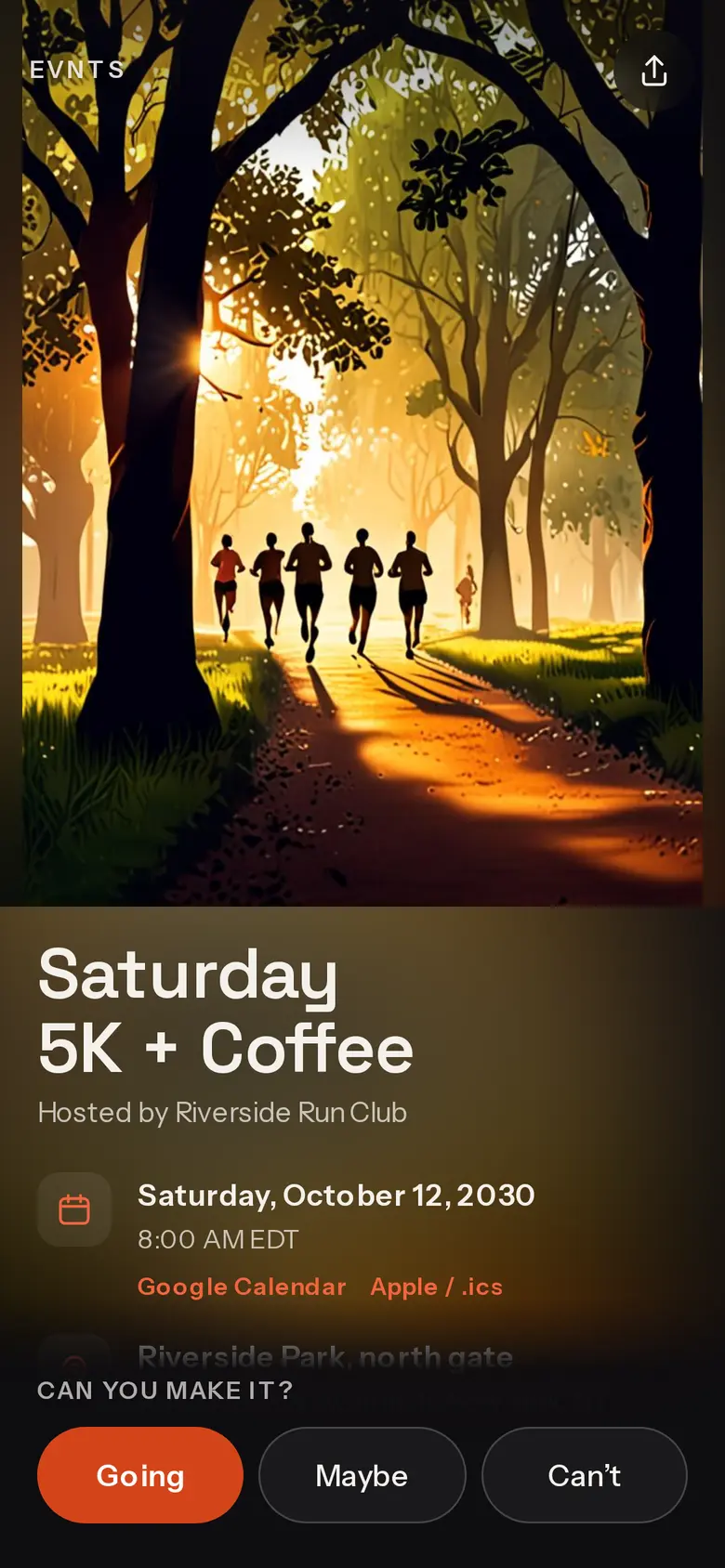
Your money, your account
Paid straight into your own Stripe account.
Ticket types, promo codes and member prices, with no Evnts fee. Refund someone from Stripe and their spot frees itself for the waitlist.
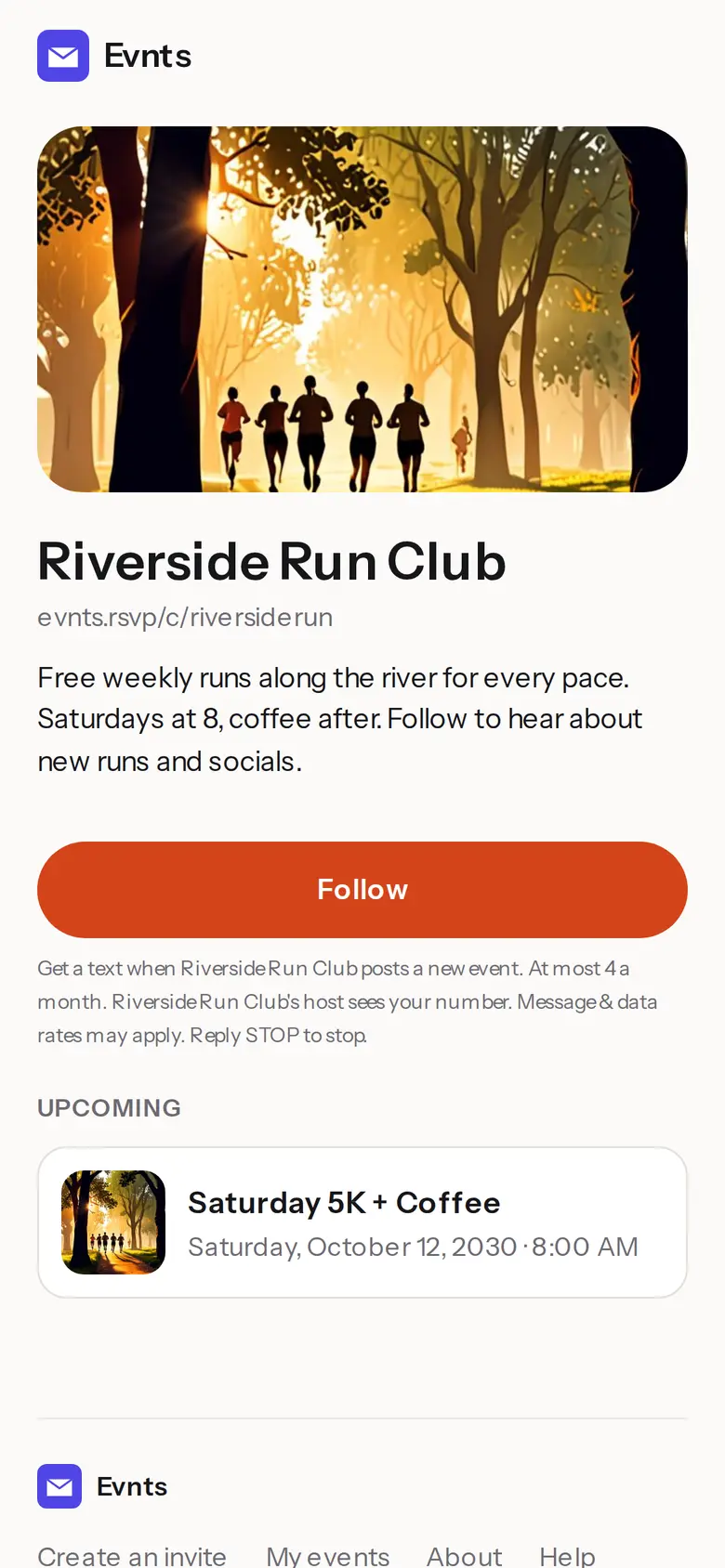
Your own audience
A community page people follow by text.
List your events on evnts.rsvp/c/your-name. Followers get a text when you post a new one, at most four a month.
Questions
Can a small event sell tickets on Ticketmaster?
Yes, through Universe, Ticketmaster's self-serve brand: free events are free and paid tickets cost 2% + $0.59 each. Listing on ticketmaster.com itself comes with Universe's custom-priced Pro plan.
What does Evnts charge on paid tickets?
Nothing. The money goes to your own Stripe account and Stripe's standard card fee is the only fee. Guests can add an optional tip to Evnts at checkout; you can switch that ask off.
Do guests need an app to get in?
No. Each paying guest gets a pass with a QR code and a door code on their phone; a screenshot works, even with no signal.
Do I need an invite to host?
Hosting is invite-only for now. You're in if a friend who hosts on Evnts sends you one of their invite links, or if you've RSVP'd to someone's Evnts invite, and a few open spots go to new hosts every day. If today's are taken, leave your email when you publish and we'll send you an invite. Guests never need one.
Try it on your next event.
It's free and takes about a minute. Compare Evnts with other tools.
Make your inviteSources (Ticketmaster, checked September 2026)
- Universe: pricing
- Universe home page (“Your event, now on Ticketmaster”)
- Ticketmaster business: self-serve event ticketing
- Universe: message attendees
- Universe: create a waitlist
- Ticketmaster: SafeTix
Ticketmaster is a trademark of its owner. Evnts is not affiliated with or endorsed by Ticketmaster.