Evnts vs Splash
Evnts vs Splash: event marketing, or just a great invite?
Splash, now part of Cvent, is built for marketing teams running branded field events and roadshows that feed a sales pipeline. If you're throwing a party or running a community night, Evnts gives you a free invite link in under a minute, and guests answer from their phone in about 15 seconds.
Free · works on any phone · no app for guests
Choose Splash if you're a company marketing team running branded events that need to feed your CRM and prove pipeline.
Where Splash winsChoose Evnts if you're inviting friends or your community and want a free link that guests answer from their phone, with paid tickets and no Evnts fee.
Make your inviteIs there a free alternative to Splash for small events?
| Evnts | Splash | |
|---|---|---|
| Price | Free | Pro and Enterprise plans, priced by Splash's sales team; prices not published |
| What it's for | Parties, meetups, classes and community shows | Event marketing for companies: field events, roadshows and webinars measured by pipeline |
| Making the event page | Describe it in one sentence; an AI draft fills in the title, details, date and a cover | Branded pages built from templates and blocks |
| How guests RSVP | Tap the link, give a name and mobile number, confirm with a code by text (WhatsApp outside the US and Canada) | An RSVP or ticket form on the event page |
| Paid tickets | Paid into your own Stripe account; no Evnts fee (Stripe's card fee applies) | Through Stripe, with a Splash fee of 1.25% + $0.49 per ticket on paid plans, plus Stripe's 2.9% + 30¢ |
| Messages to guests | A confirmation, a reminder text the day before and your updates, by text, WhatsApp and email | Designed emails you write and schedule |
| Check-in | A pass with a QR code and door code, scanned from any phone; works with no signal | The Splash Host app for iOS and Android: QR scanning, badge printing and self check-in kiosks |
| Integrations | None; export your guest list as a CSV | Salesforce, Marketo, HubSpot, Slack and more |
Facts about Splash checked in October 2026 from their own site; see sources below. Spotted something out of date? Tell us and we'll fix it.
What does a ticket cost in fees?
Splash: 1.25% + $0.49 per ticket on paid plans, plus Stripe's 2.9% + 30¢ card fee. Evnts: no fee; Stripe's card fee only.
| Ticket price | Splash | Evnts |
|---|---|---|
| $10 | $0.62 + Stripe's card fee | $0 (Stripe's card fee only) |
| $20 | $0.74 + Stripe's card fee | $0 (Stripe's card fee only) |
| $50 | $1.12 + Stripe's card fee | $0 (Stripe's card fee only) |
Splash's fee is on top of a paid plan whose price isn't published, and Splash says it can be passed on to buyers. Its help center lists a higher fee for free accounts (1.6% + $0.49). Figures from Splash's published US fees, checked October 2026.
When Splash is the better pick
- You're a marketing team running many branded events a year and need every one to match your brand guidelines.
- Your event data has to flow into Salesforce, Marketo or HubSpot so sales can follow up.
- You print name badges at check-in or want self check-in kiosks.
- You need several team members on one account with shared templates and reporting.
Where Evnts shines
- Free for personal events, with no ads and no limit on guests.
- Guests need nothing: no app, no account. They answer from the link in about 15 seconds.
- Paid tickets go straight to your own Stripe account, with no Evnts fee.
- Describe the event in one sentence and get a finished invite with a painted cover.
- A reminder text the day before, and your updates by text, WhatsApp or email.
- A QR pass for every guest, checked at the door from any phone, even with no signal.
- Reserved seats picked on a phone, held while guests pay.
Switching from Splash
- Describe your next event in one sentence and let the draft fill in the title, details, date and cover. Change anything before you share it.
- Connect your Stripe account and add ticket types, promo codes or member prices.
- Add any questions you used to ask on your registration form, and a guest limit with a waitlist if space is tight.
- Share the link wherever your guests are: a text, the group chat, WhatsApp, your website or an email you send yourself.
- At the door, scan guests' passes from any phone. Export the guest list as a CSV whenever you need it.
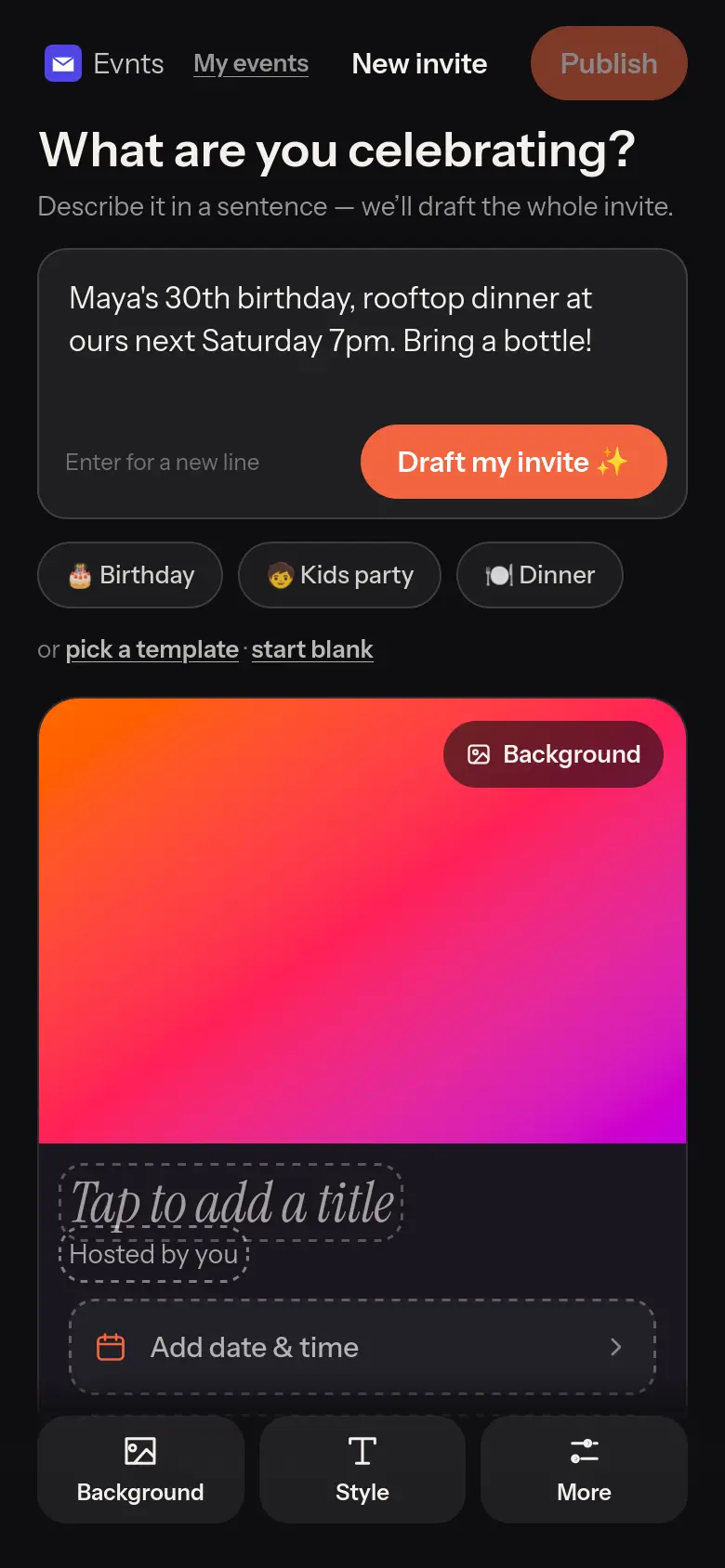
Under 60 seconds
One sentence in, a finished invite out.
“Maya's 30th, rooftop, Saturday 7pm.” The draft writes the title, the description, the date and the place, with a cover painted to match. Change anything before you share it.
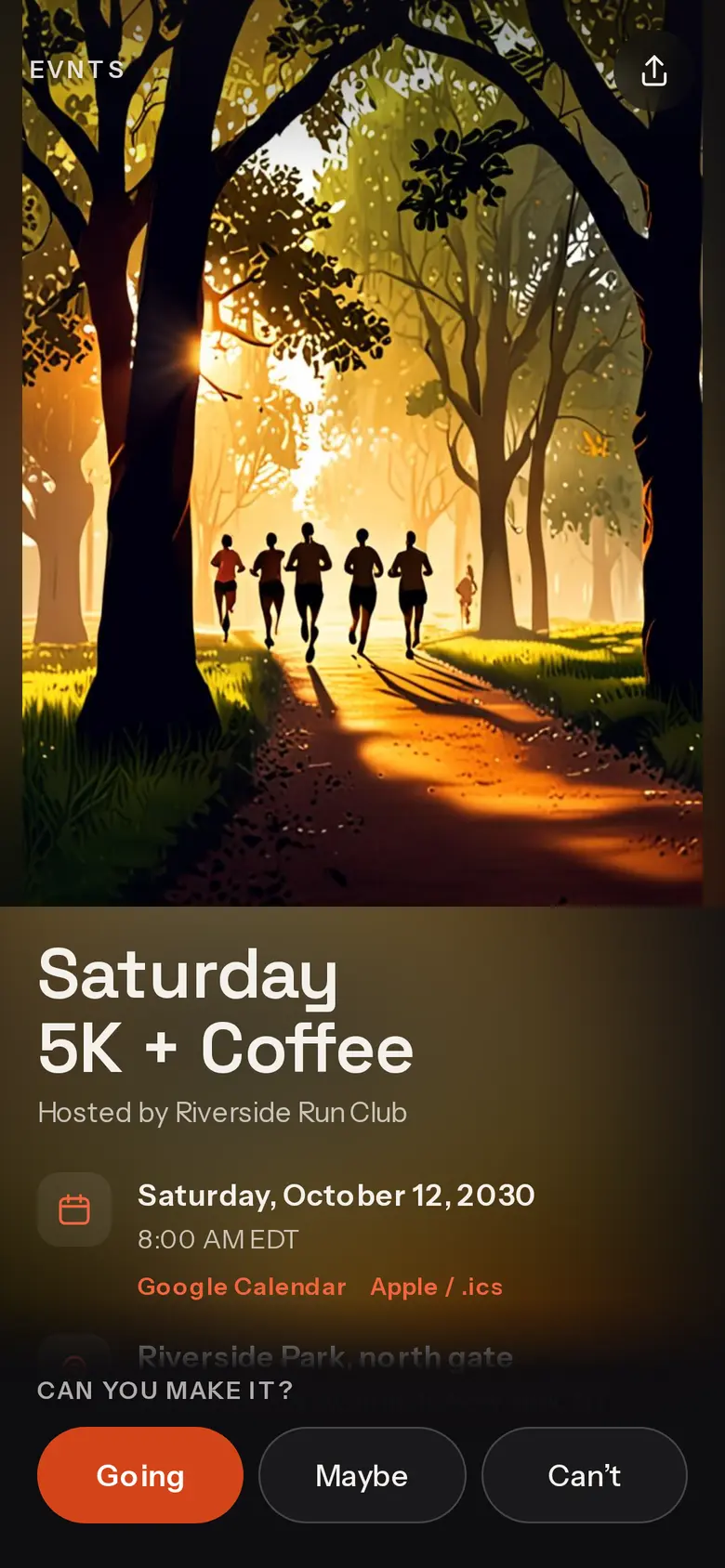
Tickets without our cut
Sell tickets straight into your own Stripe account.
Ticket types, promo codes and member prices. Evnts adds no fee; Stripe's standard card fee is the only one, and guests may add an optional tip to Evnts that you can switch off.
Questions
Is Evnts a replacement for Splash?
Not for a corporate event program. Evnts has no CRM integrations, badge printing or team branding controls. It's for parties, meetups and community events where you want a free invite and an honest headcount.
Does Evnts charge a fee on tickets?
No. The money goes to your own Stripe account and Stripe's standard card fee is the only fee. Guests can add an optional tip to Evnts at checkout; you can switch that ask off.
Can I get my guest list out of Evnts?
Yes. Export it as a CSV from your event dashboard at any time.
Try it on your next party.
It's free and takes about a minute. Compare Evnts with other tools.
Make your inviteSources (Splash, checked October 2026)
- Cvent: acquisition of Splash (September 2024)
- Cvent Community: Splash learning center (ticketing, Host app, integrations)
- Splash: pricing
- Splash: understanding ticket fees
- Splash: on-site tools (Host app, badges)
Splash is a trademark of its owner. Evnts is not affiliated with or endorsed by Splash.