Evnts vs Posh
Evnts vs Posh: the same party, a smaller ticket price.
Posh is built for nightlife: a discovery feed, promoters and tables. It adds 10% + $0.99 to every paid ticket, and buyers log in to a Posh account. Evnts adds no fee: guests give a name and number and pay on Stripe, straight into your own account.
Free · works on any phone · no app for guests
Choose Posh if you run nightlife with promoters, tables and a crowd that already discovers parties on its feed.
Where Posh winsChoose Evnts if your guests come from your own link and you'd rather they paid the ticket price, not 10% + $0.99 on top.
Make your inviteIs there a Posh alternative without ticket fees?
| Evnts | Posh | |
|---|---|---|
| Fees on paid tickets | No Evnts fee; Stripe's standard card fee comes out of your payout | 10% + $0.99 per ticket, card processing included, added to the price buyers see |
| Free events | Free | Same |
| Buyers need an account | No; a name and mobile number confirmed with a code, then pay on a Stripe page | Yes, a Posh account (phone or email plus a one-time code) to buy |
| Texts to guests | An automatic reminder text the day before, plus updates you send to that event's guests | Unlimited free SMS blasts to past and present attendees |
| Getting paid | On your own Stripe account's schedule; Evnts never holds the money | Instant payouts, through Stripe |
| Promoters | No promoter commissions | Kickback: promoters sell through their own links for a commission you set |
| Reserved seating | Yes: seat maps you draw, best available, holds | Table service with a seating map |
| Waitlist and check-in | Yes, both; the pass works with no signal | Yes, both |
Facts about Posh checked in October 2026 from their own site; see sources below. Spotted something out of date? Tell us and we'll fix it.
What does a ticket cost in fees?
Posh adds 10% + $0.99 to each paid ticket and the buyer pays it; card processing is included in that fee. On Evnts there's no fee on top, and Stripe's standard card fee comes out of the host's payout.
| Ticket price | Posh | Evnts |
|---|---|---|
| $10 | $1.99 (buyer, processing included) | $0 (Stripe's card fee only) |
| $20 | $2.99 (buyer, processing included) | $0 (Stripe's card fee only) |
| $50 | $5.99 (buyer, processing included) | $0 (Stripe's card fee only) |
Posh's fee includes card processing; Evnts' $0 doesn't, so the host covers Stripe's card fee (typically 2.9% + 30¢ in the US). Figures from Posh's own pages, checked October 2026.
When Posh is the better pick
- You want promoters selling for a commission (Kickback) and a discovery feed where people follow organizers.
- You sell tables or bottle service from a seating map.
- You want instant payouts, tap-to-pay at the door or payment plans with Affirm.
- You text your whole past audience often: Posh's SMS blasts are unlimited.
Where Evnts shines
- Free for personal events, with no ads and no limit on guests.
- Guests need nothing: no app, no account. They answer from the link in about 15 seconds.
- Paid tickets go straight to your own Stripe account, with no Evnts fee.
- Describe the event in one sentence and get a finished invite with a painted cover.
- A reminder text the day before, and your updates by text, WhatsApp or email.
- A QR pass for every guest, checked at the door from any phone, even with no signal.
- Reserved seats picked on a phone, held while guests pay.
Switching from Posh
- Describe the party in one sentence on evnts.rsvp; the draft fills in the title, details, date and a cover.
- Connect Stripe under Get paid, then add your ticket types (early bird, general, VIP) and promo codes.
- Set a guest limit so the waitlist fills the gaps when someone cancels or is refunded.
- Share the link in your group chats, your bio and your last Posh SMS blast.
- On the night, open Guests on as many phones as you have door staff and scan passes; it works with no signal.
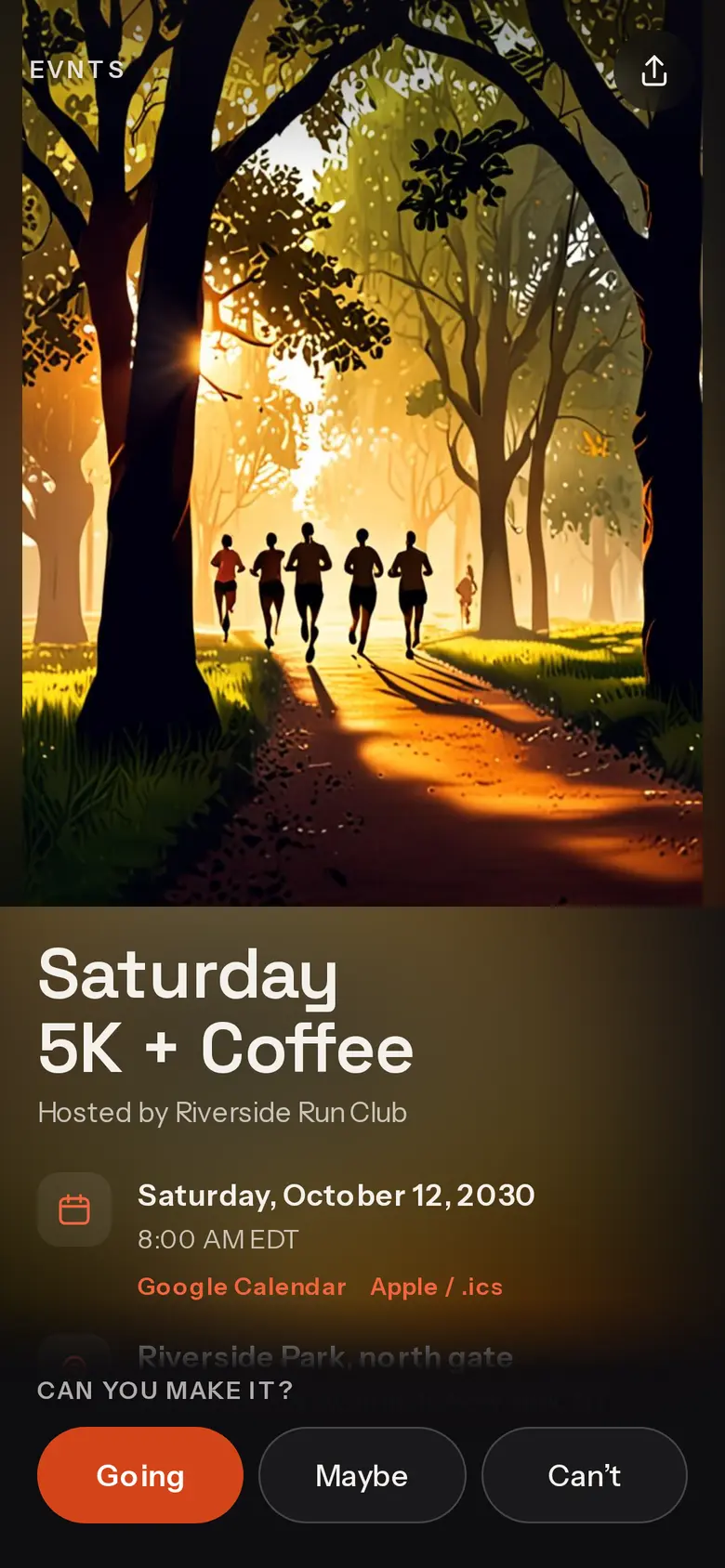
Your money, your account
Paid straight into your own Stripe account.
Ticket types, promo codes and member prices. Refund someone from Stripe and their spot frees itself for the waitlist. Guests may add an optional tip to Evnts at checkout, and you can switch that off.
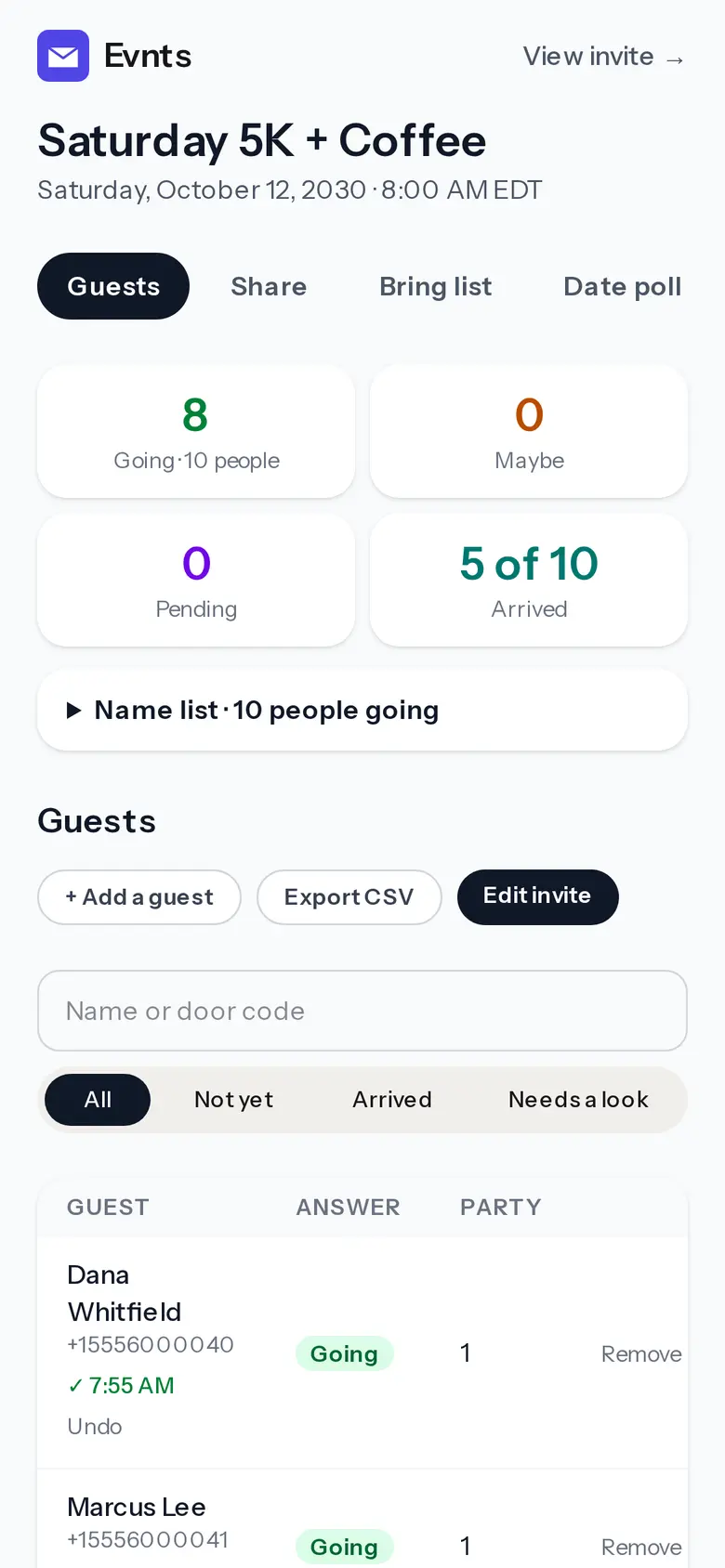
Check-in at the door
Scan the pass, tap Check in.
Every paying guest gets a pass with a QR code and a door code. It works with no signal, from as many phones as you have volunteers.
Questions
What does a $20 ticket cost my buyer?
On Evnts, $20: there's no Evnts fee, and Stripe's standard card fee comes out of your payout. Guests can add an optional tip to Evnts at checkout; you can switch that ask off. On Posh the buyer pays $22.99 ($20 plus 10% plus $0.99), card processing included.
Do my guests need an account or an app?
No. They open the link, give their name and mobile number, confirm with a code by text (WhatsApp outside the US and Canada) and pay on a Stripe page.
Will people discover my party on Evnts?
Evnts has no public feed. People find your event through the link you share and, if you list it, your community page, whose followers get a text when you post a new event.
Try it on your next party.
It's free and takes about a minute. Compare Evnts with other tools.
Make your inviteSources (Posh, checked October 2026)
- Posh: best Eventbrite alternatives (Posh's fee, 10% + $0.99, free for free events)
- Posh: ticket management (base price + service fee incl. processing = display price)
- Posh: how to purchase tickets (log in required)
- Posh: switching from Eventbrite (SMS, Kickback, instant payouts)
- Posh: platform for organizers
Posh is a trademark of its owner. Evnts is not affiliated with or endorsed by Posh.