Evnts vs DICE
Evnts vs DICE: your own link, your own payout.
DICE is built for gigs and club nights, with fans discovering shows in its app and tickets kept in-app against resellers. Its US self sign-up adds 13% to each ticket and pays you after the show. Evnts adds no fee and the money lands in your own Stripe account as you sell.
Free · works on any phone · no app for guests
Choose DICE if you put on music nights and want its app's fans, in-app tickets that stop resellers, and a team behind the show.
Where DICE winsChoose Evnts if you bring your own crowd and want them to pay the ticket price with no 13% on top, with the money in your Stripe account as it sells.
Make your inviteIs there a DICE alternative for small shows without the 13% fee?
| Evnts | DICE | |
|---|---|---|
| Fees on paid tickets | No Evnts fee; Stripe's standard card fee comes out of your payout | US self sign-up: a 13% service fee on the face value, paid by fans, card processing included |
| Free events | Free | No DICE fee on free tickets |
| Getting paid | On your own Stripe account's schedule; Evnts never holds the money | Within 5 business days after the event |
| Buyers need an account | No; a name and mobile number confirmed with a code, then pay on a Stripe page | Yes, a DICE account verified with a code by text |
| Tickets on the day | A pass with a QR code and door code; a screenshot works | Kept in the DICE app, so they can't be resold |
| Waitlist | Guests move up automatically when someone cancels or is refunded | The DICE Wait List passes unwanted tickets to other fans |
| Door sales | Not offered; tickets are sold online | Box office and door sales at a 10% fee plus 3% |
| Finding an audience | Your own community page that people follow by text | DICE's app recommends shows; DICE says 41% of its tickets are prompted by Discovery |
Facts about DICE checked in October 2026 from their own site; see sources below. Spotted something out of date? Tell us and we'll fix it.
What does a ticket cost in fees?
DICE's US self sign-up adds a 13% service fee to the face value and the fan pays it; card processing is included. On Evnts there's no fee on top, and Stripe's standard card fee comes out of the host's payout.
| Ticket price | DICE | Evnts |
|---|---|---|
| $10 | $1.30 (fan, processing included) | $0 (Stripe's card fee only) |
| $20 | $2.60 (fan, processing included) | $0 (Stripe's card fee only) |
| $50 | $6.50 (fan, processing included) | $0 (Stripe's card fee only) |
From DICE's US Self Sign-Up terms (updated April 2026); larger promoters sign negotiated terms. DICE's fee includes card processing; Evnts' $0 doesn't, so the host covers Stripe's card fee. Checked October 2026.
When DICE is the better pick
- You put on gigs or club nights and want fans who browse the DICE app to find you.
- Resale is a real problem for your shows: DICE keeps tickets in its app, and its Wait List passes returned tickets to other fans.
- You want extras and merch, checkout through Spotify or YouTube, or a DICE team helping with marketing and booking.
- You sell on the door with DICE's box office.
Where Evnts shines
- Free for personal events, with no ads and no limit on guests.
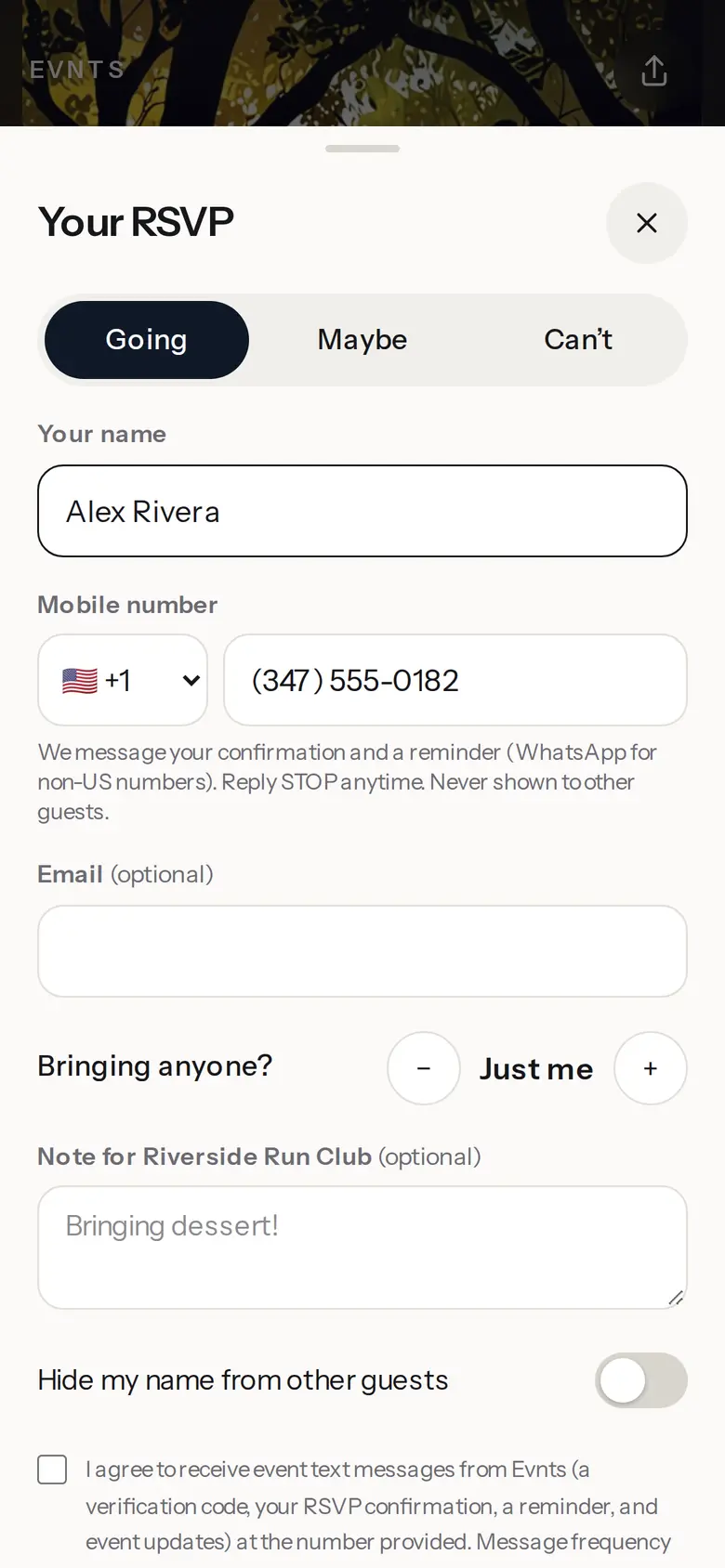
- Guests need nothing: no app, no account. They answer from the link in about 15 seconds.
- Paid tickets go straight to your own Stripe account, with no Evnts fee.
- Describe the event in one sentence and get a finished invite with a painted cover.
- A reminder text the day before, and your updates by text, WhatsApp or email.
- A QR pass for every guest, checked at the door from any phone, even with no signal.
- Reserved seats picked on a phone, held while guests pay.
Switching from DICE
- Describe the night in one sentence on evnts.rsvp; the draft fills in the title, details, date and a cover.
- Connect Stripe under Get paid, then add ticket types (early entry, general) and promo codes.
- Set a guest limit; when someone cancels or is refunded, the next person on the waitlist moves up.
- Start a community page for your nights so regulars can follow it and get a text when you post the next one.
- Share the link on your socials and in the group chat, and check people in at the door from any phone.
Guest limit & waitlist
Sold out? The waitlist fills the gaps.
Cap the tickets and let extra guests queue up. When someone cancels or is refunded, the next person is promoted automatically.
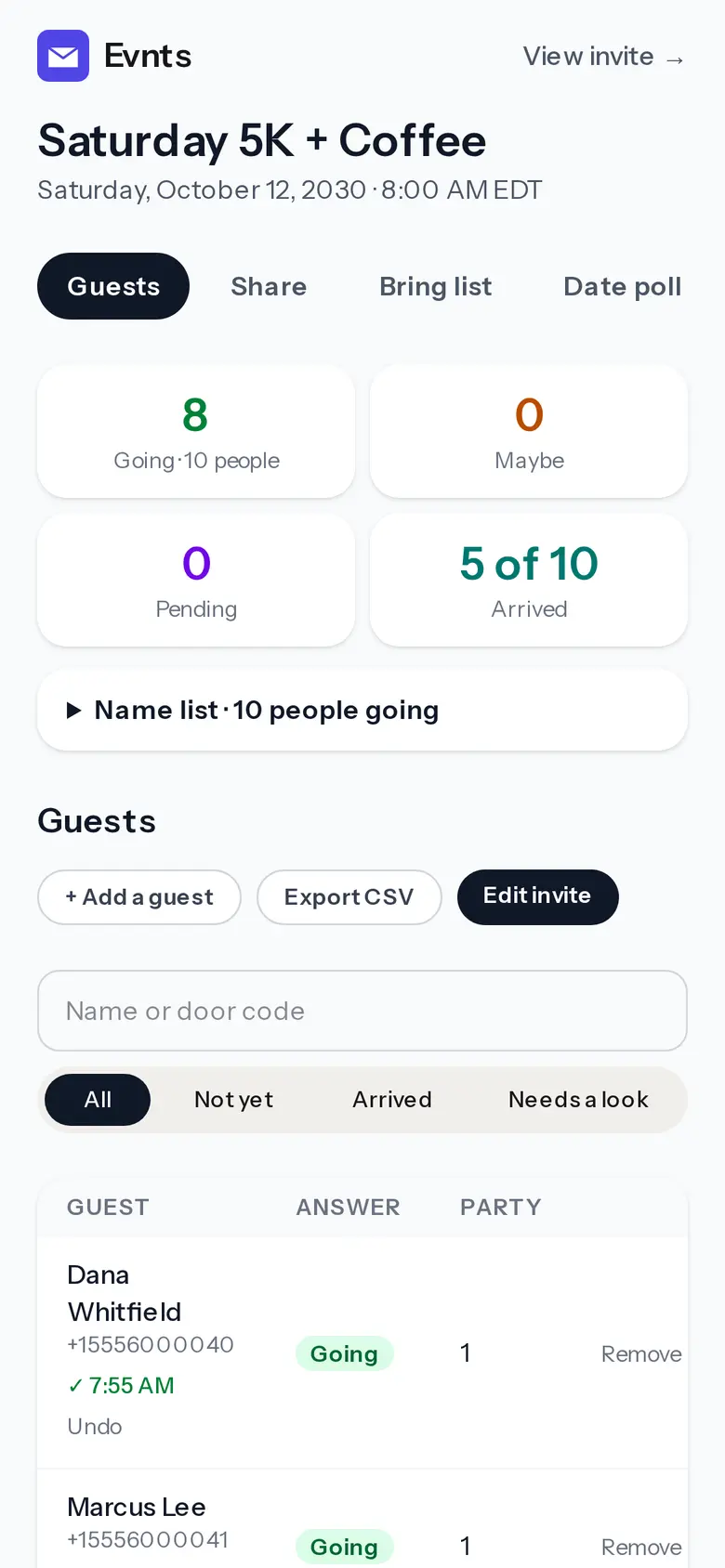
Check-in at the door
Scan the pass, tap Check in.
Every paying guest gets a pass with a QR code and a door code. It works with no signal, from as many phones as you have volunteers.
Questions
What does Evnts charge on paid tickets?
Nothing. The money goes to your own Stripe account and Stripe's standard card fee is the only fee. Guests can add an optional tip to Evnts at checkout; you can switch that ask off.
When do I get paid?
On your own Stripe account's payout schedule, as tickets sell, not after the show. Evnts never holds the money.
Do fans need an app to get in?
No. Each paying guest gets a pass with a QR code and a door code on their phone; a screenshot works, even with no signal.
Try it on your next party.
It's free and takes about a minute. Compare Evnts with other tools.
Make your inviteSources (DICE, checked October 2026)
- DICE: Self Sign-Up Terms and Conditions, USA (13% fee, payouts, box office)
- DICE: ticketing for partners (Discovery, in-app tickets, Wait List)
- DICE: Make It On DICE user guidelines
- DICE: Primavera Weekender FAQ (tickets in the app, SMS code)
DICE is a trademark of its owner. Evnts is not affiliated with or endorsed by DICE.